Getting started
5 min read
What Is Muse? Meta’s Personal AI Agent, Explained
A plain-English guide to Muse, how agentic workflows differ from chatbots, and what users should verify before handing off a task.
2026.09.24Read guide →
MUSEVIP / FIELD GUIDE
Find practical notes by the question you have. Review the original source, then follow the explanation and checks.
5 min read
A plain-English guide to Muse, how agentic workflows differ from chatbots, and what users should verify before handing off a task.

8 min read
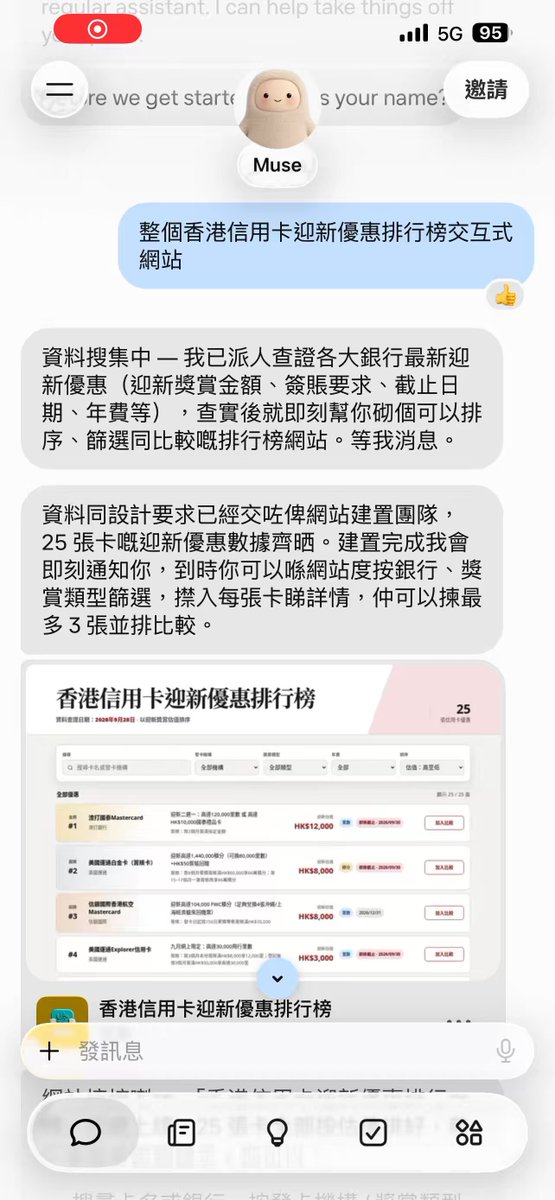
Follow real interface examples to set response preferences, scope a research task, review a Muse-generated file, check connector access, and manage follow-up work.
5 min read
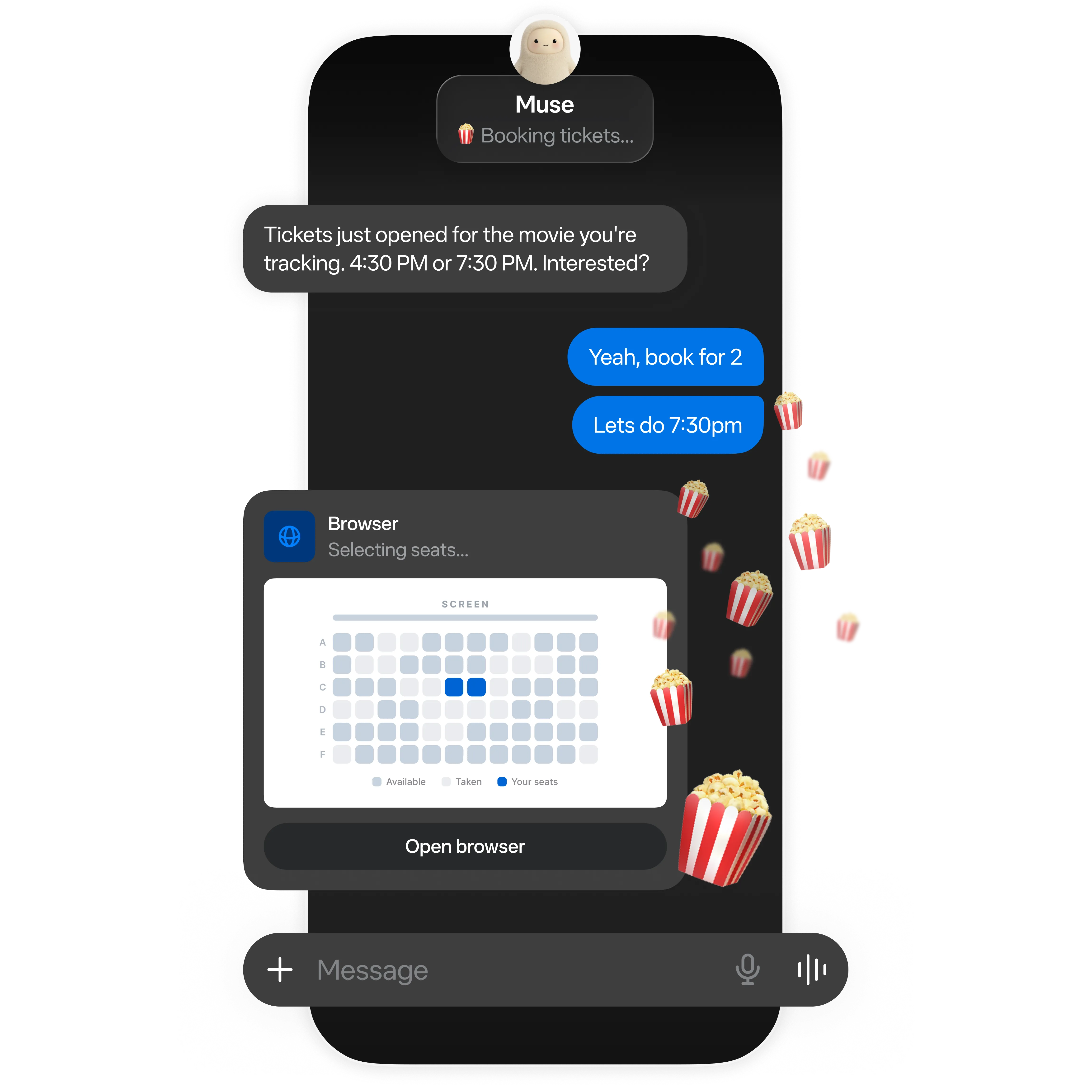
Explore where Muse may help with research, browser workflows, follow-through, and reusable deliverables—and where a person should stay involved.
7 min read
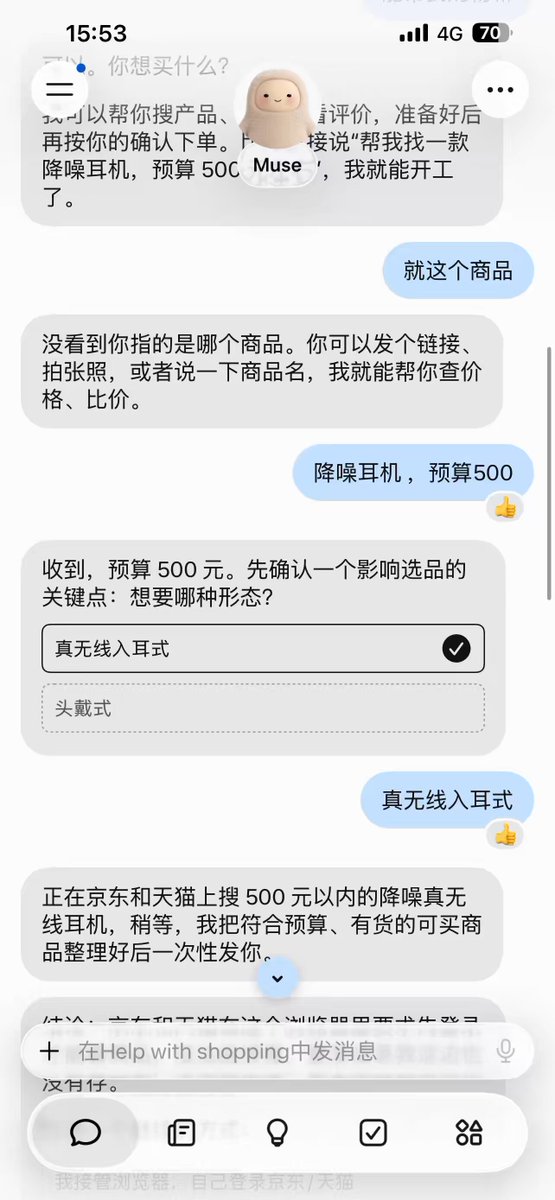
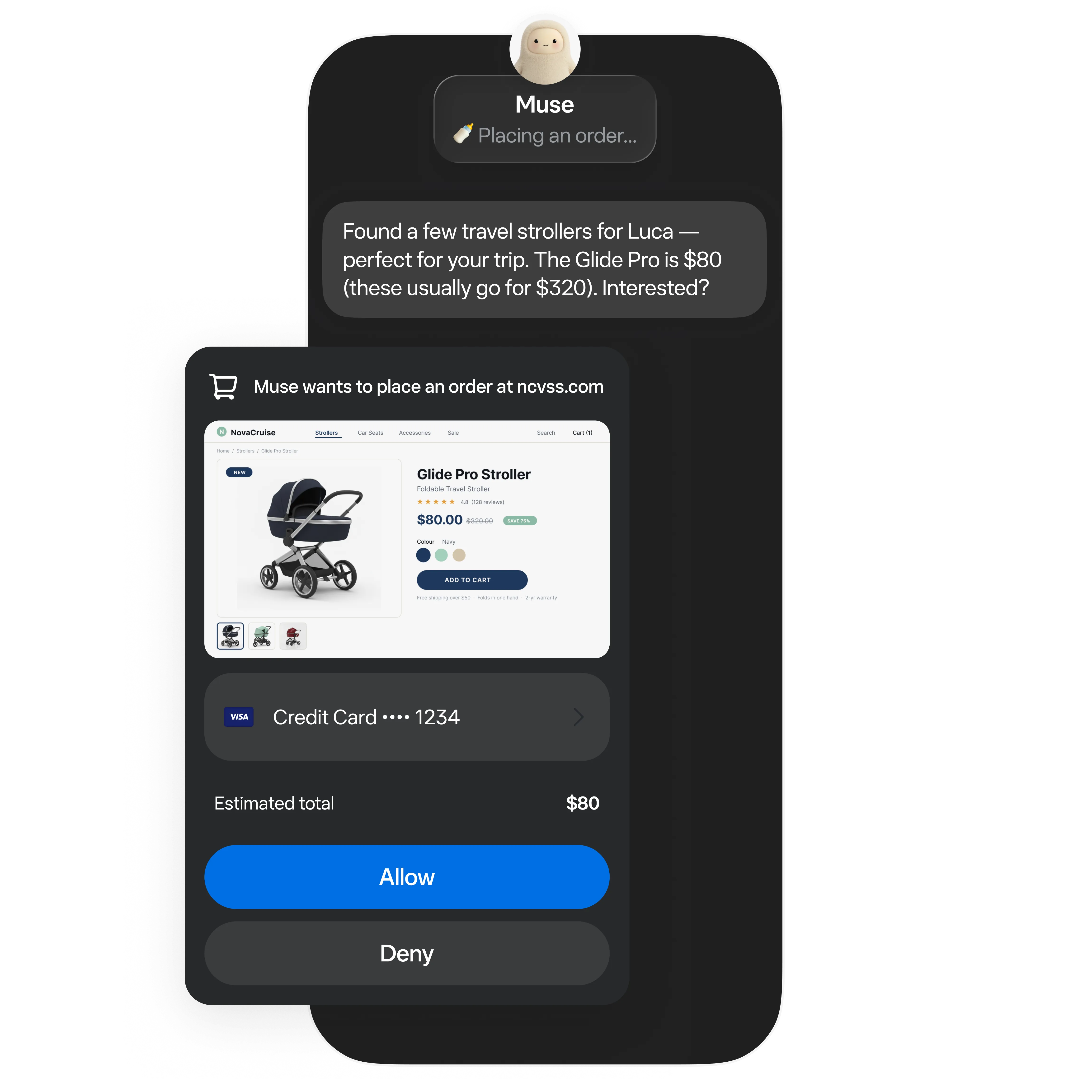
Shopping with Muse? Set your budget, compare the same model by its delivered price, and check the order yourself before buying.

6 min read
Separate Muse account access from referral rewards, check the official offer terms, and verify a redemption in your account.
6 min read
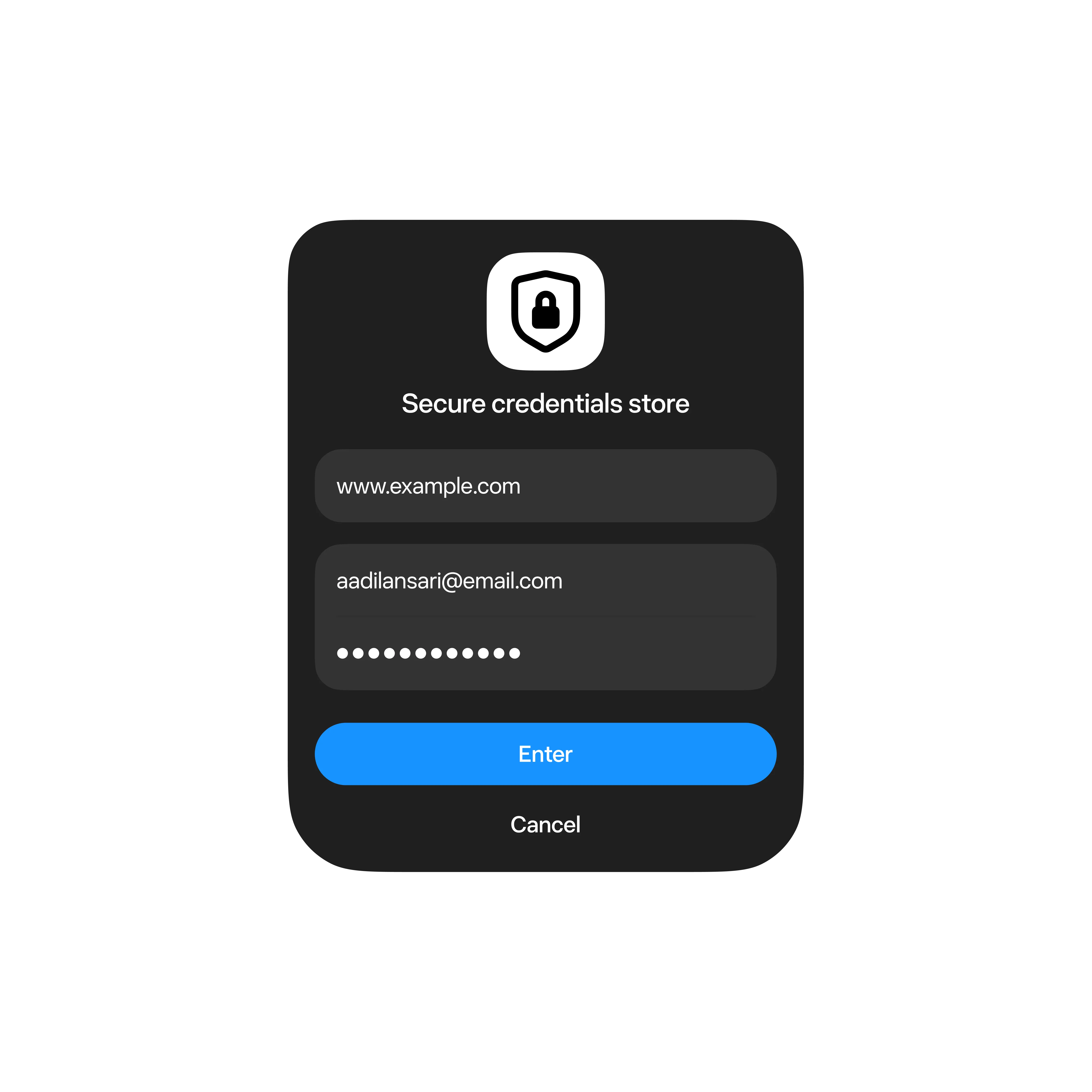
Understand the permission controls Meta describes and use a practical checklist before connecting services to a personal AI agent.
4 min read
Muse is a personal-agent product experience; Muse Spark is a Meta model family. Learn why those names describe different layers.
5 min read
Learn how connectors link an agent to outside services, what users should review, and where developers need clear boundaries.
4 min read
A source-checked summary of Meta’s September 24 announcement, with a clear line between announced plans and details still to come.

6 min read
Use a two-prompt workflow: ask Muse to list and classify files first, review the plan yourself, then approve only specific moves and verify the result.
5 min read
A gradual first-week plan that starts with public research and builds toward memory, browser workflows, permissions, and review.
8 min read
A detailed walkthrough based on a screenshot shared by @SUOHA_AI, checked against Google’s current guidance on Spark remote browsing, eligibility, sign-in handoffs, and safety.
5 min read
Check for voice access, give Muse a clear task, review its results, and confirm sensitive actions yourself.

6 min read
Limit task scope, keep permissions narrow, and review results when Muse reads webpages, emails, images, or files.
6 min read
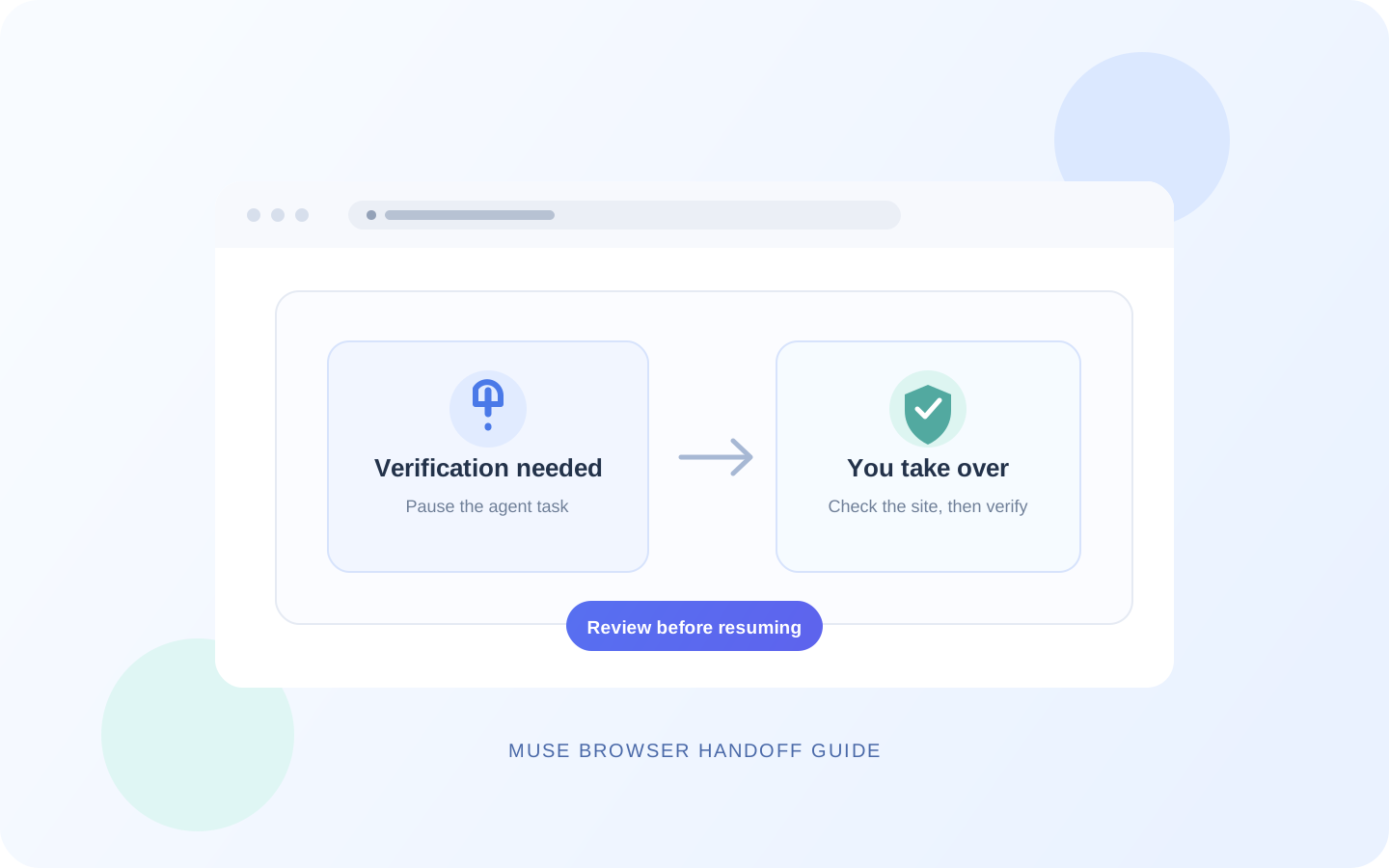
Pause a Muse task at a CAPTCHA, login wall, or human check. Take over the browser yourself, complete the site’s normal verification, and review the task before resuming.

8 min read
Give Muse a clear travel brief, compare flight and hotel options on the same terms, and check live prices and cancellation rules yourself before booking.

7 min read
Learn how to review a long Muse task, add a change without widening its scope, handle approval points, and stop work before it drifts.

7 min read
Use one consistent checklist to compare internet, software, or membership plans, calculate longer-term costs, and verify the terms on official pages.
8 min read
A practical workflow inspired by a real Muse screen recording: verify the source data, build a filterable page, and inspect the published result.
7 min read
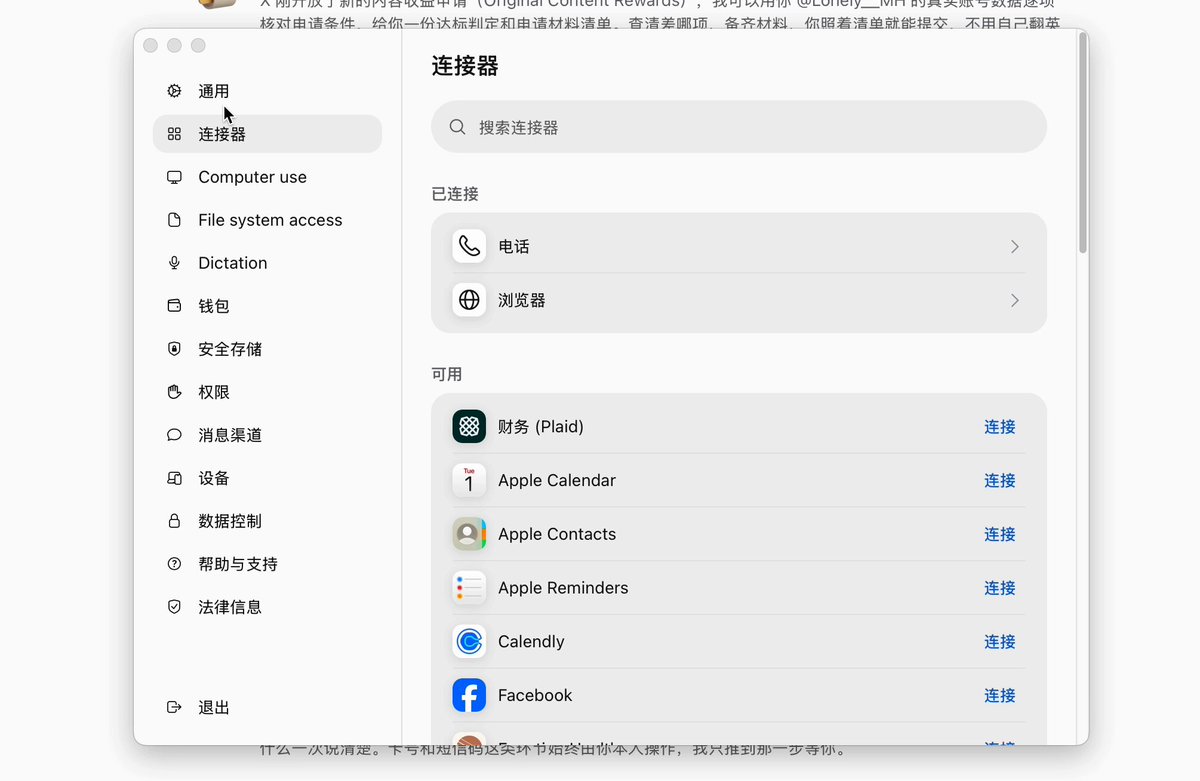
Use a real X recording as a starting point to check connector availability, review network access, and test with a harmless read-only service.
7 min read
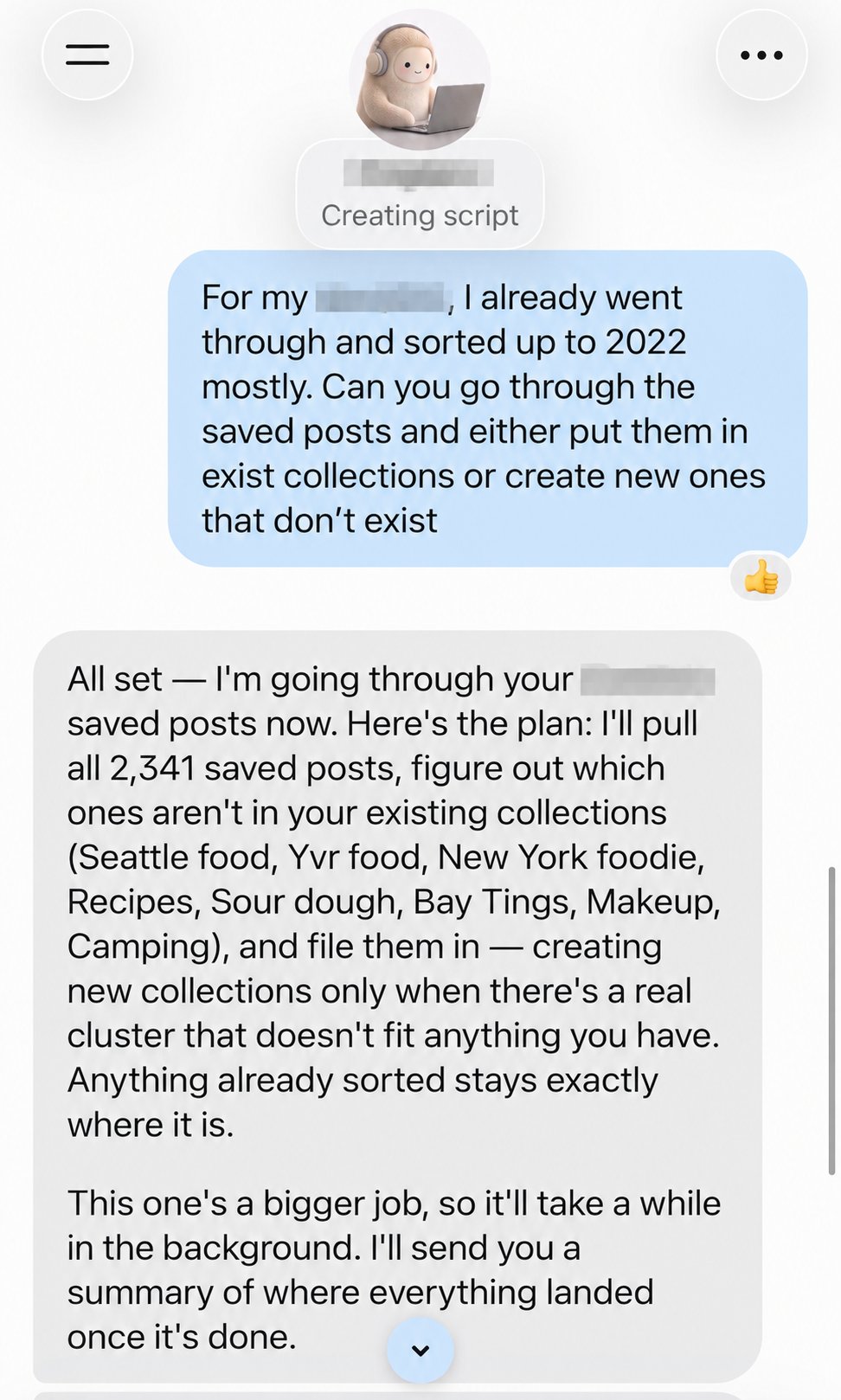
A practical guide inspired by a user's 2,341 saved posts: protect existing collections, test a small batch, and check what actually moved.
7 min read
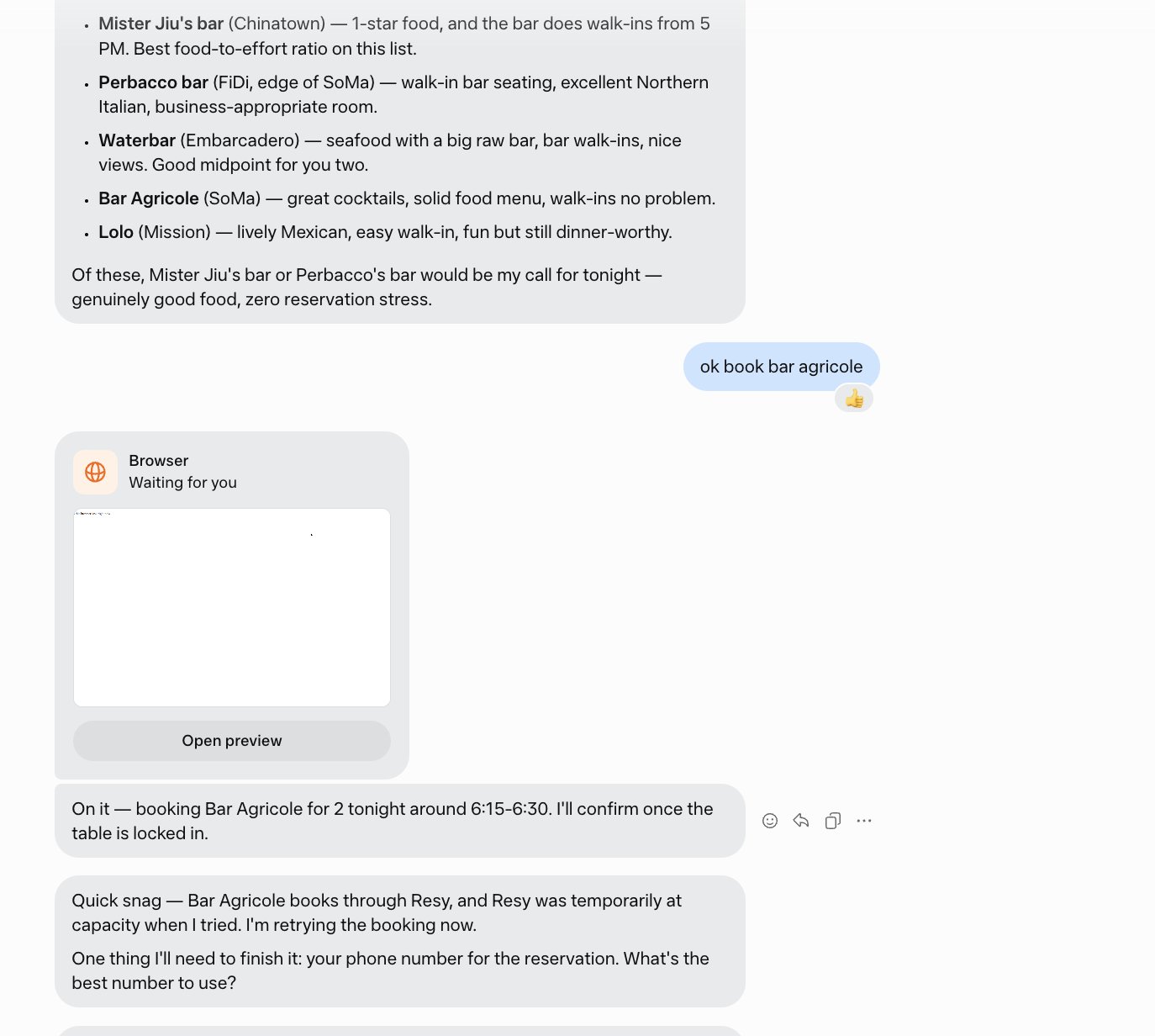
Learn from a real booking mishap: verify that a venue is open, use its current reservation channel, and demand an actual confirmation before calling it booked.

7 min read
A practical way to combine dated emails and calendar events, remove duplicates, review source messages, and keep replies as drafts until you approve them.

7 min read
Prepare a support request, find an official contact channel, approve outbound messages, and verify cancellation or refund status. Phone features may vary by account.

7 min read
A one-time instruction can become a lasting preference. Find the relevant Muse Memory file, correct its scope, and check a fresh task before trusting the change.
7 min read
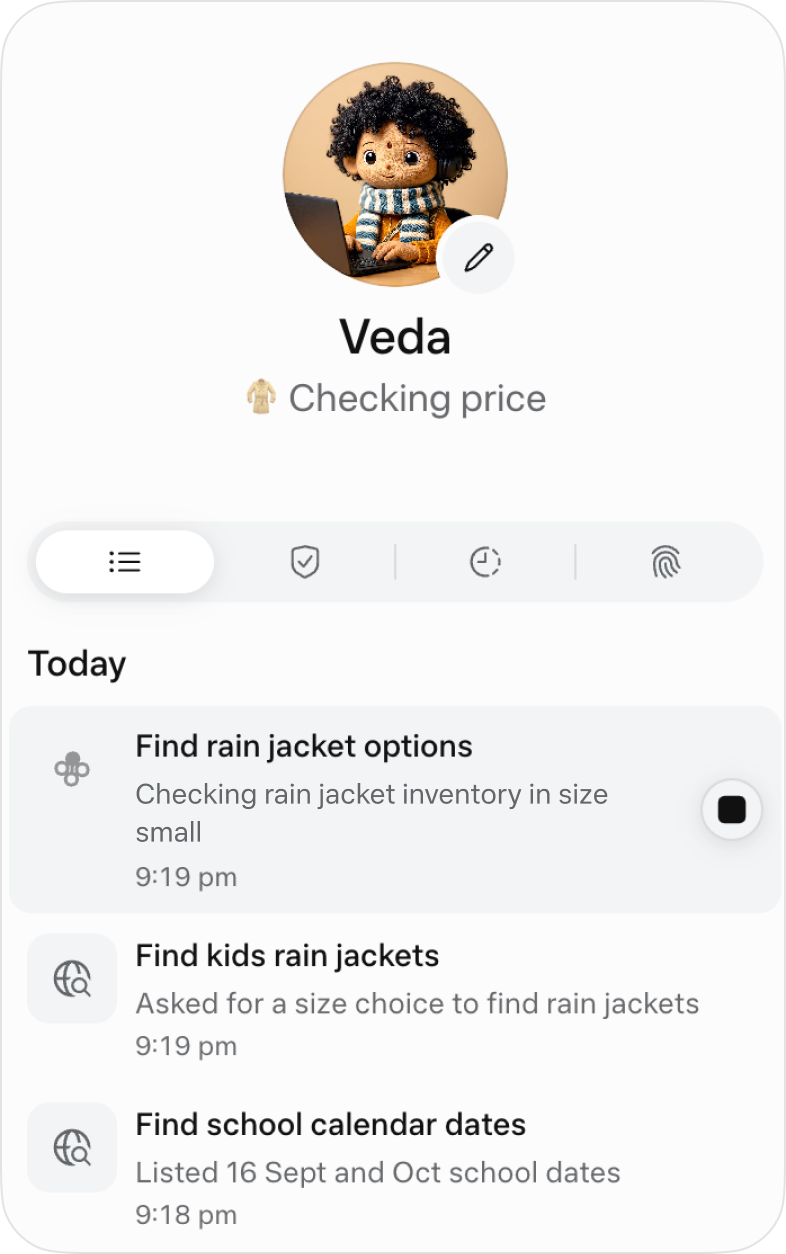
Use the Muse activity log to separate work in progress, requests for input, and completed steps, then verify the real outcome in the original service.
10 min read
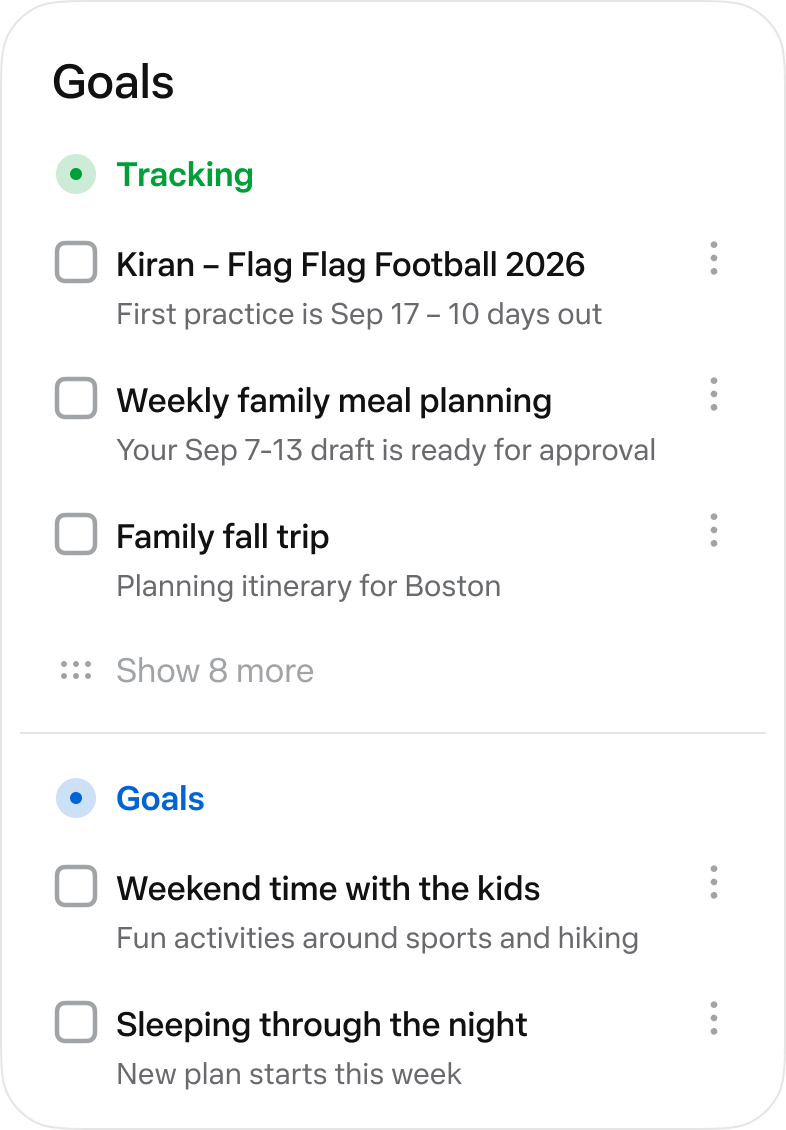
A practical Muse Goals tutorial that turns one oversized outcome into a four-week test, three weekly actions, visible evidence, and a review you can keep up with.
9 min read
A practical first workflow for Muse for Small Business that limits access, summarizes weekly changes, preserves source records, and leaves every external action for the owner to approve.

10 min read
Walk one email through drafting, recipient and attachment review, one-time approval, and a Sent-folder check so Muse does not send the wrong message or keep more access than it needs.
Try “invite code”, “privacy”, or “getting started”.