
This guide focuses on “Muse Tailscale” and turns the question into practical steps you can check.
01 | Watch the demo, then narrow the question
X user @Lonely__MH showed the Muse connector settings and described trying to give the agent access to services on a Tailscale network. The clip is a useful lead, but it only shows what that person saw at that moment. It does not establish that every Muse account, region, or version offers the same connector.
A successful connection is not a reason to expose your entire tailnet. Decide which test service and port the task needs before granting anything.
02 | Step 1: Look for the connector on your account
Open Muse settings or its connector directory and search for Tailscale. If it appears, read the requested access, the account being connected, and whether an administrator must approve it. Meta says people control which services Muse connects to and can change access; the actual connector list is account-dependent.
If it does not appear, stop there. A social recording is no reason to install an unknown extension or paste a token into chat.
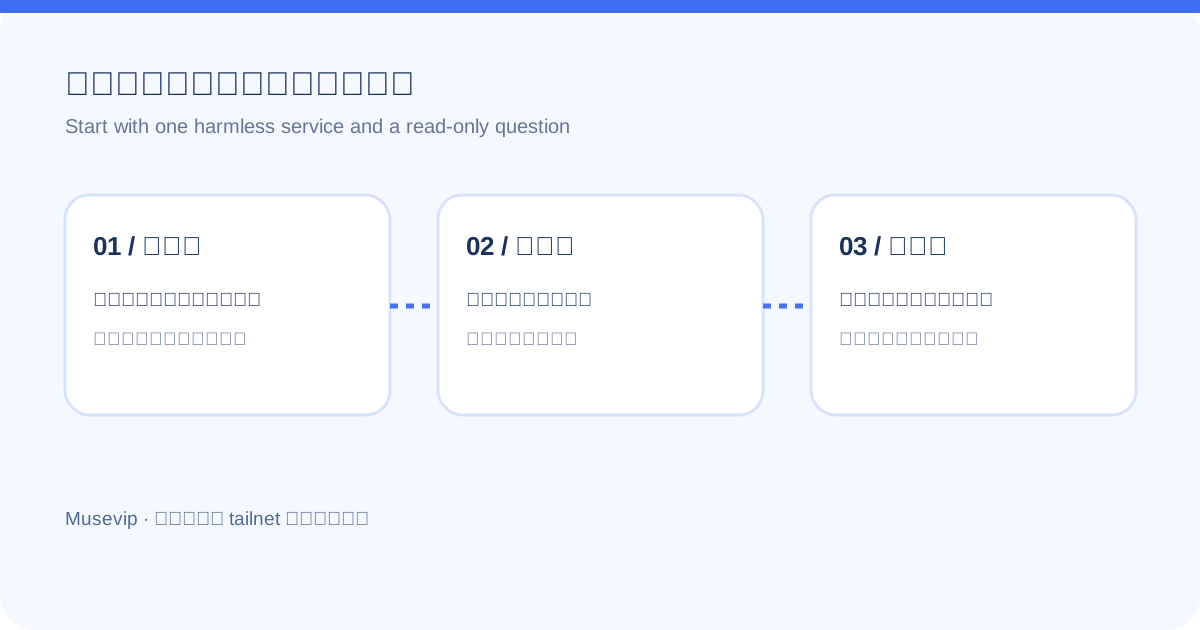
03 | Step 2: Prepare a harmless target
Start with a status page or read-only API containing fake data. Avoid production databases, home storage, and servers holding keys. The first goal can be as small as determining whether the test service is online.
Tailscale Grants can restrict which source reaches which destination and port. Check existing rules so a newly connected agent does not inherit unnecessarily broad network access. Review both connector authorization and tailnet policy.
04 | Step 3: Check four details during authorization
- Account: does the authorization page show your own tailnet?
- Scope: does it ask only to read, or also to manage devices and settings?
- Destination: is access limited to the specific test service and required port?
- Credentials: enter secrets only in the official authorization flow, never in ordinary chat or public screenshots.
05 | Step 4: Run a read-only test
Ask Muse: 'Read the test service status page and report its status and timestamp. Do not change settings, run commands, or visit other devices.' Compare the reported URL and values with the real service. A fluent answer is not proof it reached the target.
If it fails, inspect the Muse connection state, whether the Tailscale device is online, whether Grants allow the target port, and whether the target service is healthy. Do not solve a test failure by opening the whole network.
06 | Revoke the test access when finished
Disconnect the unused connector in Muse and review the related authorization or device in Tailscale's admin console. Expand access only when a real task needs it. The recording can suggest a workflow; your own network boundary still needs an explicit decision.
References
These sources support the product information in this guide. Musevip is an independent publication and is not affiliated with Meta.
Last reviewed 2026.09.28. Product pages may change.