
This guide focuses on “Muse Instagram saved posts” and turns the question into practical steps you can check.
01 | The hard part is protecting what is already organized
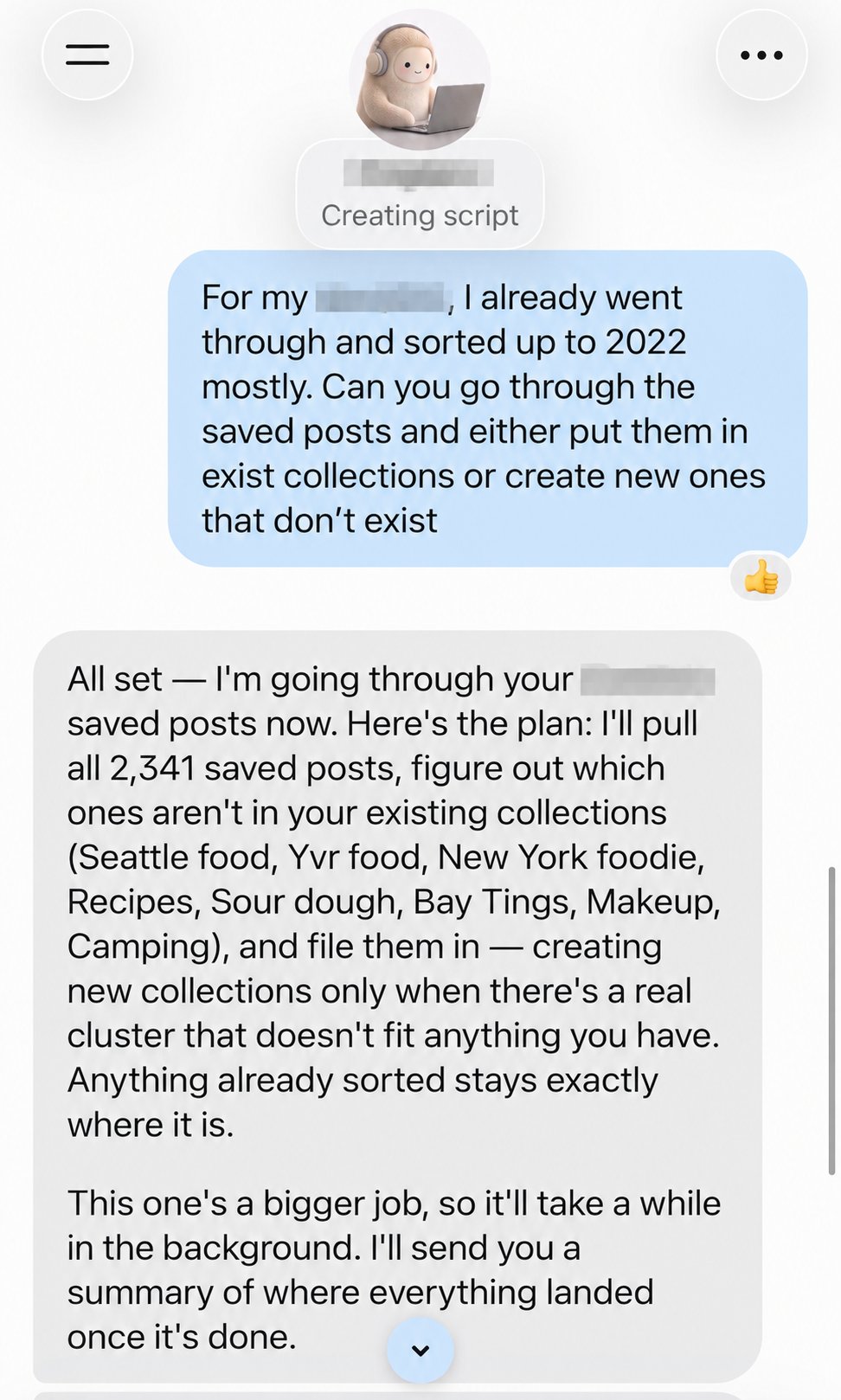
X user @emilyntech shared a Muse request to sort a large Instagram saved-post library. In the screenshot, she explains that some posts have already been filed and asks Muse to handle the remaining ones, prefer existing collections, and create a new collection only when necessary. Muse responds with a plan covering 2,341 saved posts and says the larger job will continue in the background.
The useful idea is preservation first, bulk action second. This is one person's account and interface, not proof that every Muse account can read or move Instagram saves. Check the connector and permissions shown on yours.
02 | Step 1: Inventory existing collections
Look at your current Instagram Collections and tell Muse which are complete. Exclude anything private or unrelated. If a collection contains work, medical, or financial material, do not include it in the trial run.
Before connecting Instagram, read the authorization screen. What can Muse view? Can it move posts or create collections? Meta says people can choose connected services and adjust or revoke access. A conversational instruction alone is not a substitute for permission settings.
03 | Step 2: Test twenty posts before touching two thousand
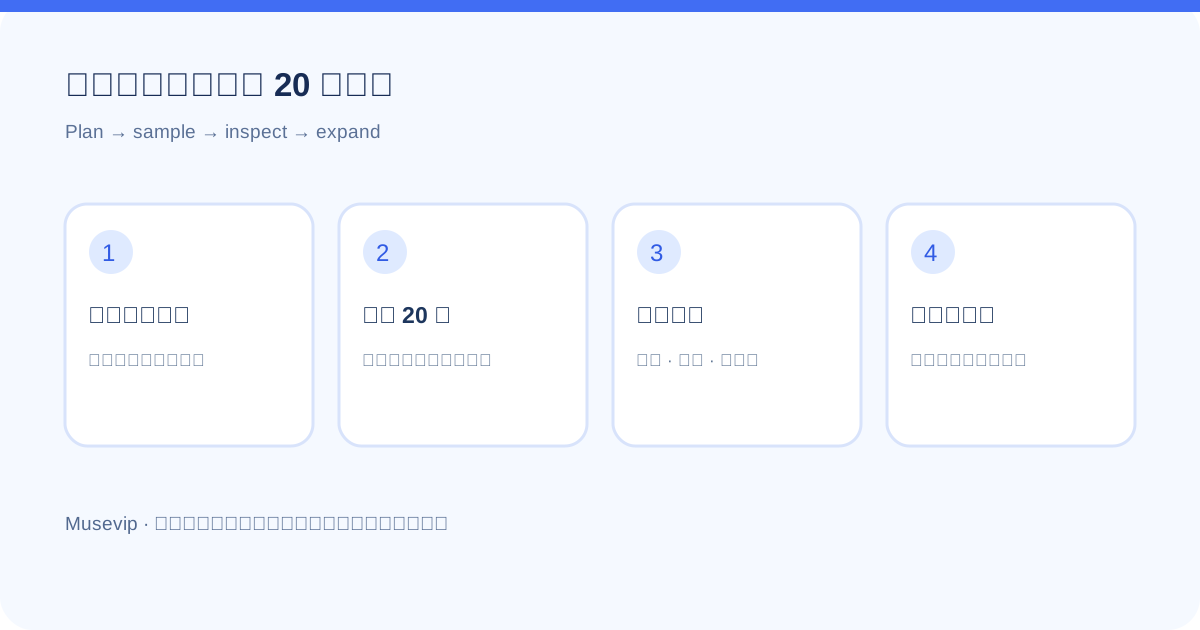
Pick a small, familiar sample, such as twenty recently saved recipes. First ask for a proposed table with the original post, suggested collection, reason, and uncertainty. Do not allow any moves yet. Review whether a restaurant review was mistaken for a recipe, a travel tip for a food post, or the same item for several collections.
Once the suggestions look right, approve moving only that sample. Open Instagram itself and inspect the result. 'Done' in the chat is not enough evidence that each item landed correctly.
04 | Step 3: Set a high bar for new collections
An agent can create dozens of tiny categories if you leave the rule vague. Prefer existing groups. Ask it to propose a new group only when several posts form a clear cluster that fits none of them, and wait for your approval of the name. Ambiguous posts can stay in a review pile.
Request a change report: moved count, proposed new groups, skipped posts, and likely duplicates. Meta describes activity and permission views, though their exact placement can change by version.
05 | Step 4: Scale up only after inspection
- Work in reviewable batches, perhaps 20–50 posts at a time.
- Leave posts already in the right collection where they are.
- Mark deleted, inaccessible, or unclear posts for review instead of guessing.
- Pause when items are misplaced or too many new groups appear; use concrete examples to rewrite the rule.
- Finish by checking sample posts and collection counts inside Instagram.
06 | A prompt to adapt
Keep the first run small. This is a classification method, not a promise that your Muse account has every Instagram action.
- Read only the latest 20 saved Instagram posts about [topic]. My existing collections are [list]. Do not access or change [excluded collections].
- First give me a proposal table: original post, suggested collection, reason, and uncertain cases. Do not move posts or create a collection yet.
- After I approve, process only those 20. Leave already-filed posts unchanged and put unclear items in a review list.
- Report what actually moved, what was skipped, and any possible duplicates. Do not process the rest of my saves yet.
07 | What to do once the library is reliable
A clean recipe or travel collection can become the input for another narrow task. You might ask Muse to turn five saved recipes into a grocery list. Meta gives a saved Instagram recipe Reel as an example, but the access and write actions available to you still depend on your account permissions. Get the source library right before automating its next use.
References
These sources support the product information in this guide. Musevip is an independent publication and is not affiliated with Meta.
Last reviewed 2026.09.28. Product pages may change.