
This guide focuses on “Muse connectors” and turns the question into practical steps you can check.
01 | What a connector is for
A connector is a controlled way for an agent to work with an external service. With permission, Muse may be able to read information or perform actions that the service makes available. Developers typically expose selected API actions through an interface the agent can understand. Availability depends on support from both the product and service provider.
02 | The connector list can change
Meta’s September 24, 2026 Connect announcement describes expanded connectors across areas such as retail, payments, travel, and work. An announced partner or “coming soon” feature is not proof that every account or region already has access. Check the connection list in your own Muse app.
03 | Connection does not mean unlimited access
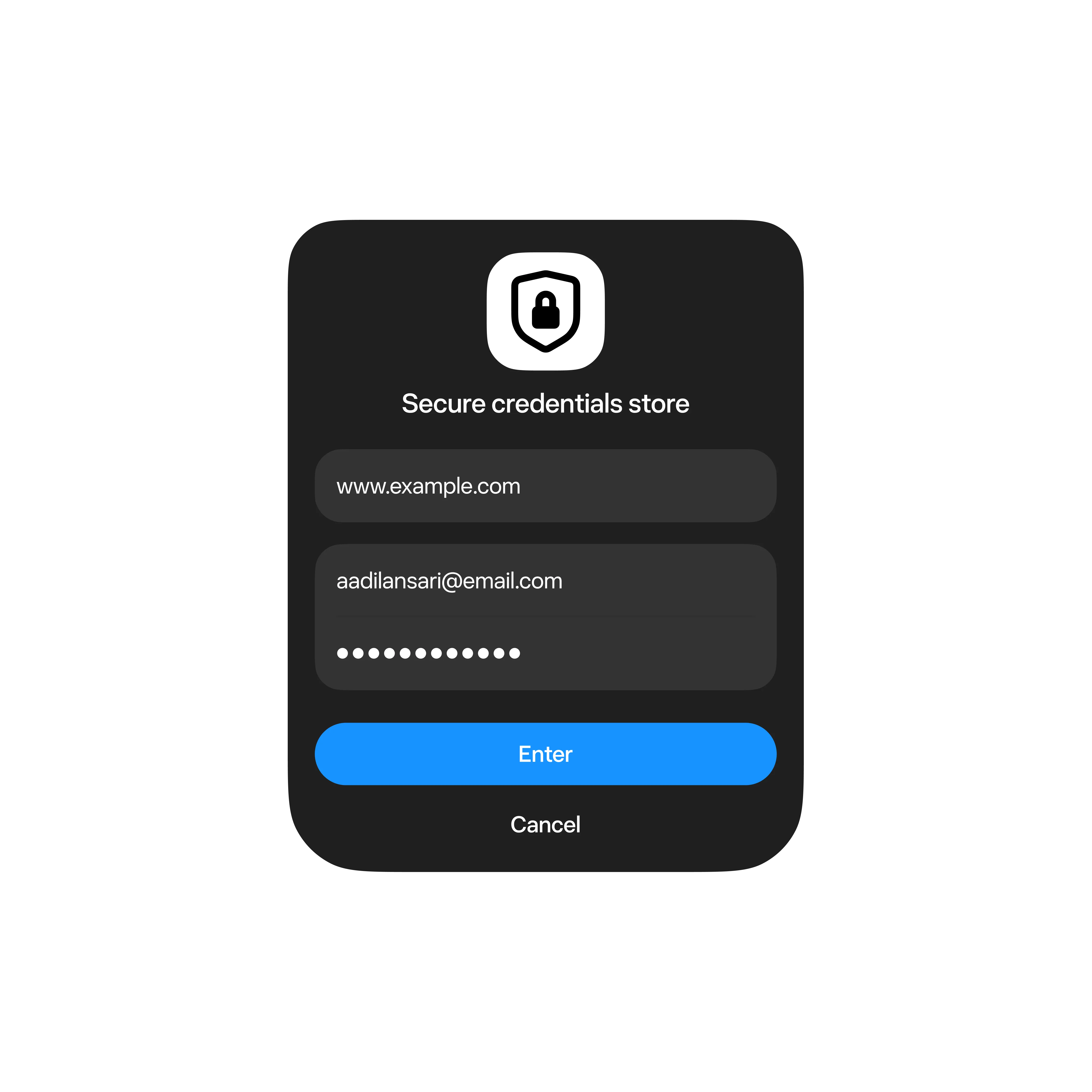
Before connecting, review requested permissions, the data involved, whether actions can write or change information, and how to disconnect. Read-only access differs from permission to act. If a task only needs research, avoid adding send, edit, or purchase permissions. Meta’s product page also illustrates a separate credential store for account sign-in; use the authorization prompt in your own account to understand the actual access granted.
04 | A developer’s first connector should be narrow
- Choose one clearly scoped API action.
- Document its inputs, outputs, errors, and required permissions.
- Add a confirmation step for actions with external effects.
- Record the action status so a user can understand what happened.
05 | How to tell an announcement from a rollout
A social post may turn “developer access is opening” into “everyone can connect every app.” Check launch dates, developer eligibility, supported regions, and the actual service list. This guide treats Meta’s published product information as the source for confirmed details.
References
These sources support the product information in this guide. Musevip is an independent publication and is not affiliated with Meta.
Last reviewed 2026.09.27. Product pages may change.