
This guide focuses on “Muse avatar” and turns the question into practical steps you can check.
01 | Try the character before generating anything
Muse’s animated companion has inspired people to give their own tools a small on-screen character. Obaid Ahmed’s independent Live Avatars project offers colors, stackable glasses and a bow, plus states such as thinking and sleeping. The short clip above is his original demonstration.
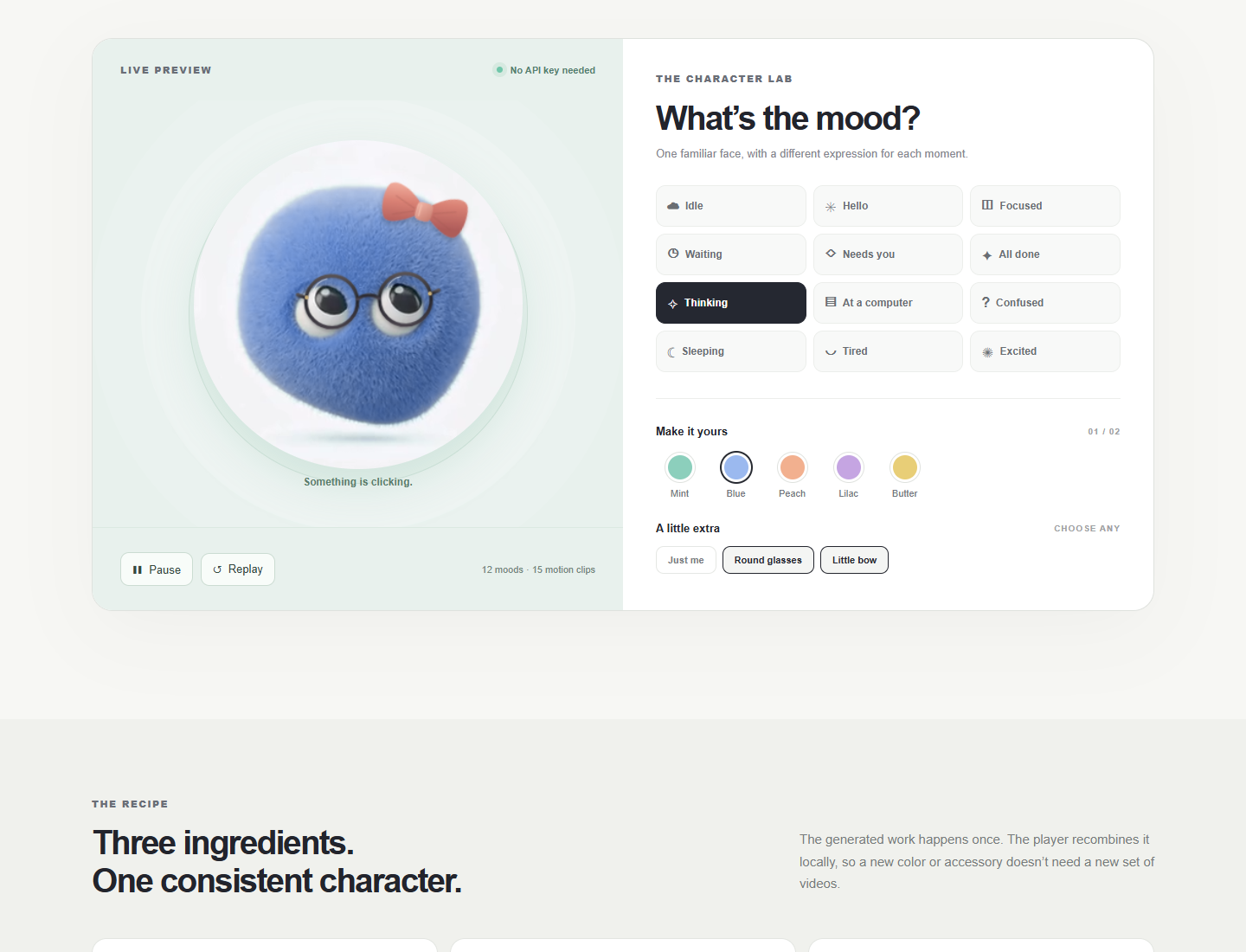
We opened the public playground, selected Blue with both accessories, and switched between thinking and sleeping. This guide separates that verified preview from the documented local generation workflow. We did not run paid generations, and the project does not document importing these assets into Muse.
02 | Preview colors, accessories and moods for free
Open the Live Avatars playground. Select Blue, then Round glasses and Little bow. Both accessories can remain enabled. Thinking shows an awake expression; Sleeping uses a closed-eye clip. The screenshot below captures the actual selected controls.
The included sample offers five colors and twelve states backed by fifteen clips. Playback happens in the browser without fal generation requests. Use Pause or Replay to inspect a motion. Decide whether the expressions are readable before producing your own pack; a color change does not launch another video job.
03 | Run the generator locally with your own reference
The repository requires Node.js 20 or newer. Its documented setup is to run git clone https://github.com/obaid/live-avatars.git, enter the live-avatars directory, run npm start, and visit http://127.0.0.1:4175. These instructions were checked against the current source; we have not installed it on your machine or submitted paid requests.
Use a reference you own or may adapt. The current validator accepts PNG, JPEG or WebP under 8 MB. Clear eye placement, a recognizable silhouette and a simple background make output comparison easier. The bundled Nestor artwork has separate rights from the code.
Generating a character uses your fal account and may incur charges. Check current billing before submitting. Keep the local proxy on your own computer; do not expose port 4175 publicly or put a key in a public page or repository.
04 | Approve one master portrait before making expressions
Choose Identity-preserving master to edit the reference with Nano Banana 2. Compare the output with the original before proceeding. Check eye spacing, body shape and framing. A changed face at this stage will carry through later expressions.
A useful prompt specifies what must remain consistent. Keep the silhouette and two-eye proportions, use a simple background and centered framing, and change only the requested material or expression. Add no mouth, limbs, text or additional characters. Once the master is approved, use it for Expression still. Start with a closed-eye resting image and check that the eyes stay shut.
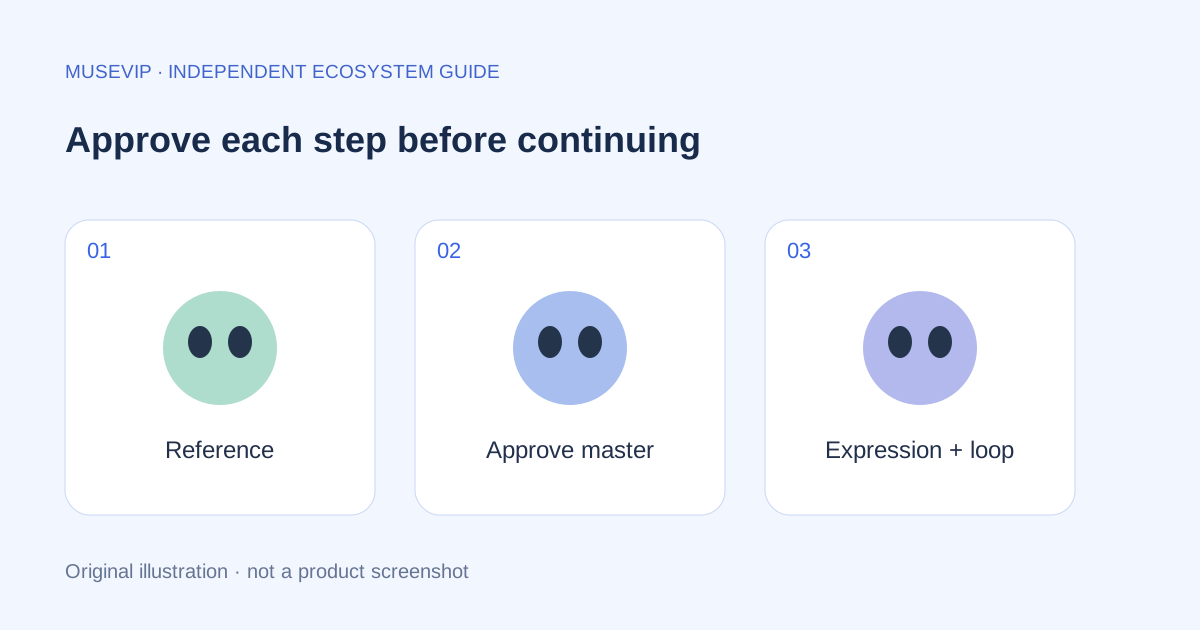
For a first pack, we recommend idle, needs-attention and completed. This is an editorial starting scope, not a project limitation. Approve each still before animation so a bad portrait does not become a set of unusable clips.
05 | Turn an approved still into a short loop
Motion clip sends the current reference to H3 Max Turbo. The project uses the same image for the first and last frame, requests five seconds at 480P, and disables prompt expansion. Matching endpoints encourage a return to the original pose but cannot guarantee a seamless loop.
Ask for a small blink or restrained body motion with a fixed camera and a return to the starting pose. Keep sleeping eyes closed and any computer prop in place. Submit one step, then wait for its queue result. If submission times out, check fal request history before retrying to avoid paying for the same job twice.
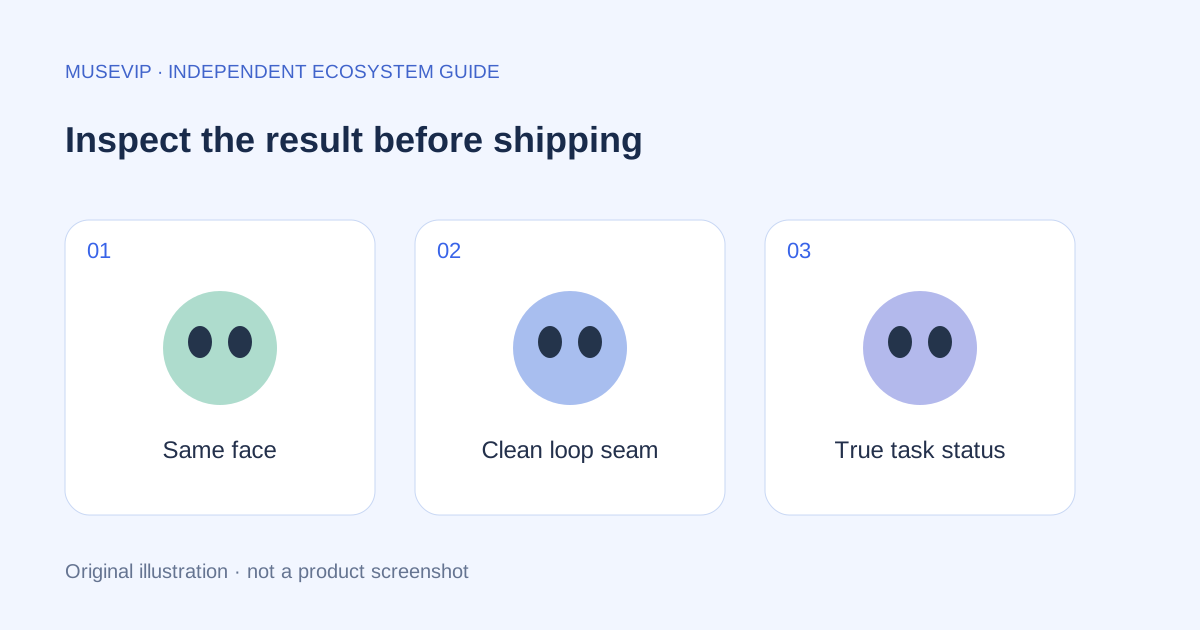
Inspect the beginning, middle and end. Look for changing eyes, sliding props and a flash at the loop boundary. A successful API response means a file was returned; visual acceptance is a separate check.
06 | Recolor playback instead of regenerating every combination
The sample draws prerecorded video into Canvas and recolors the mint fur while preserving the eyes, backdrop and computer as much as possible. Glasses and the bow are overlaid during playback, allowing the same motion to support several appearances.
Once integrated, a prerecorded clip does not need a generation call for each blink. Your character’s proportions may differ from the sample, so check accessory tracking with your own frames rather than assuming the same positions fit.
07 | Connect moods to observable task events
You can ask Muse to help draft a player specification for your tool. Use my approved character assets. Show idle when no task is running, working after execution actually begins, needs-attention when a user decision is required, and completed only after a successful result arrives. Keep explicit error text for failures. Pause playback in the background and show matching stills when reduced motion is requested.
This is a build request, not a verified integration. Inspect the generated event wiring. A cheerful expression must not stand in for an actual result, and a model saying it is finished should not trigger completion without checking the task outcome. Put the returned file or result next to the status.
Meta describes a separate real-time speech and video research approach for Muse. This community project is suitable for an independent prototype player; its design does not establish shared implementation or compatibility with Muse avatar imports.
08 | Review the pack before publishing it
Play idle, needs-attention and completed separately and check that users can distinguish them. Toggle both accessories during motion, then change colors and inspect the eyes and background for unintended tinting. At phone width, keep the character, status text and controls visible.
Simulate a successful result and a failure, checking that expressions and text agree. Retain the permitted reference, approved stills, final clips and rejected outputs. The code is MIT licensed; the bundled character artwork remains separately owned by Obaid Ahmed. Use an independently permitted character for your own public product.
References
These sources support the product information in this guide. Musevip is an independent publication and is not affiliated with Meta.
Last reviewed 2026.10.02. Product pages may change.