
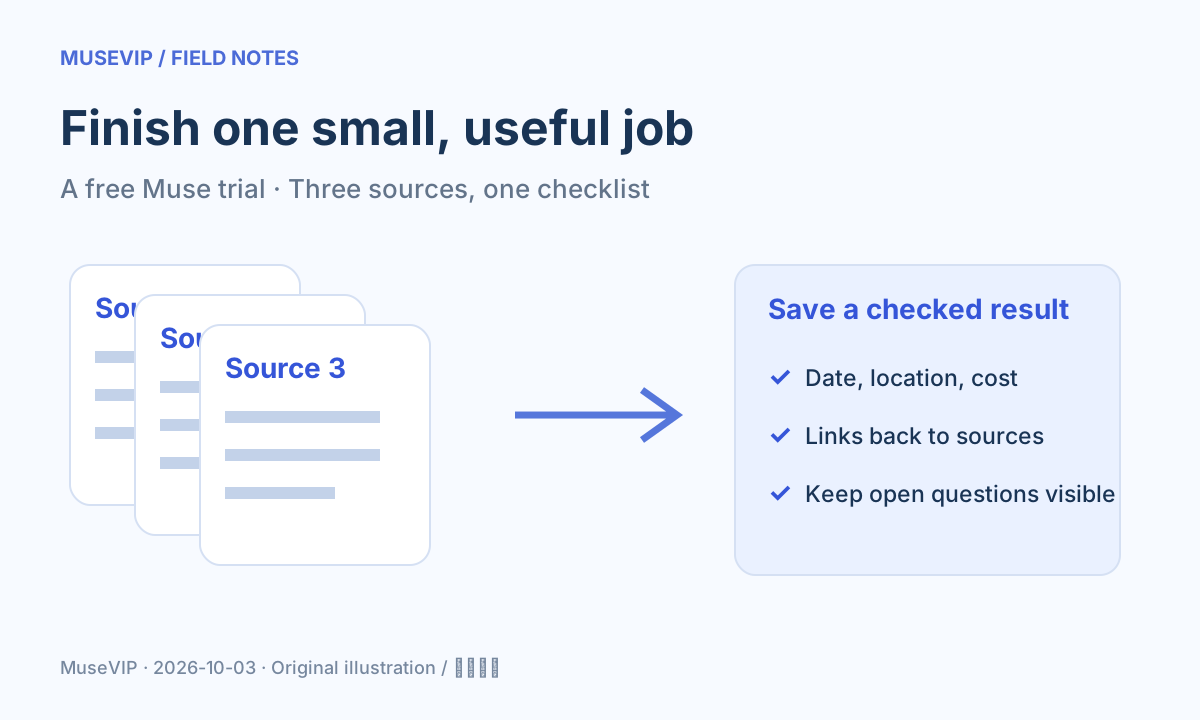
This guide focuses on “is Muse free” and turns the question into practical steps you can check.
01 | Yes, there is free usage with a cap
Muse offers free usage. At the limit, you can wait for it to refresh or choose a paid subscription. For a first try, focus on finishing one useful job. Asking for an entire industry report, a website and continuing updates makes it hard to tell where the work went.
This walkthrough is based on official documentation, not an invented free-account benchmark. Check your account for its actual allowance and refresh information. A number from someone else’s post is not a guarantee for your account.
02 | Choose three sources and define the finish line
For a weekend outing, choose three public event descriptions you already found. Ask Muse to compare those sources only. Skip registration and calendar connections for this exercise. Provide links if your account can read them; otherwise paste the relevant text.
Ask for a checklist with the event name, date, location, cost, registration URL and questions still unanswered. An unspecified fee should stay marked as unknown rather than being guessed from a different event.
03 | A prompt you can adapt
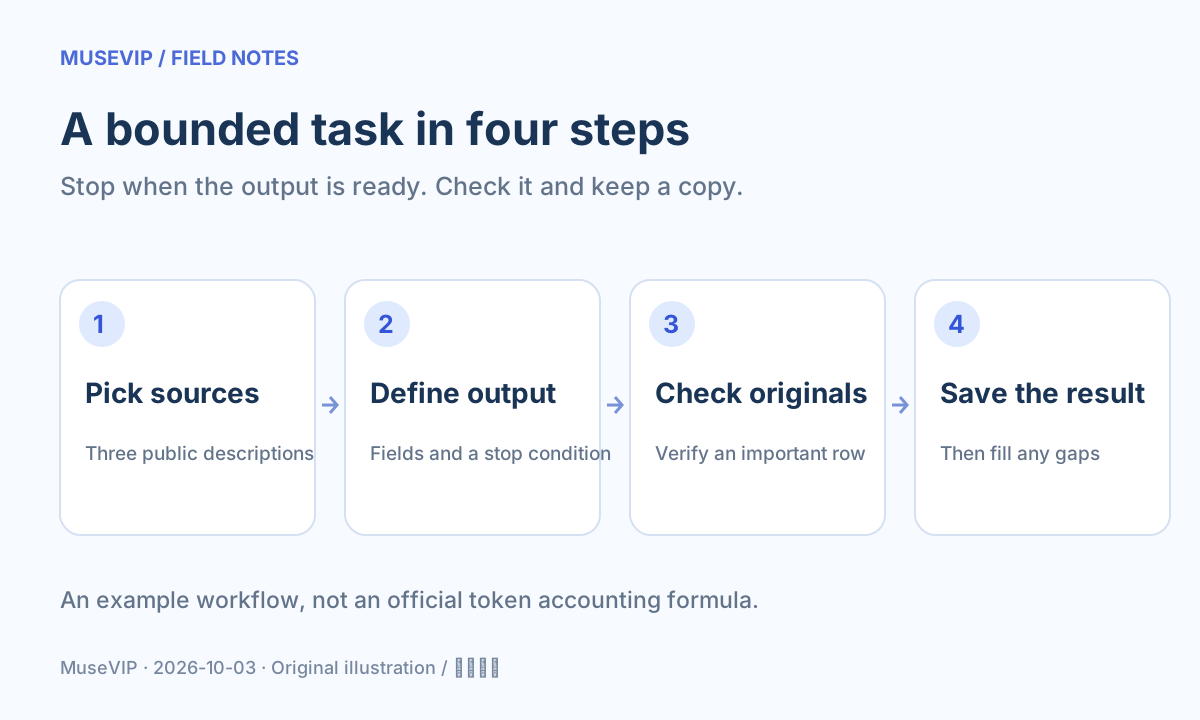
Use only the three event descriptions I provide. Create a checklist with name, date, location, cost, registration link and open questions. Identify the source number for each row. Mark missing information as unknown. Stop after the checklist. Do not browse further, register, send messages or create reminders.
Add one constraint that matters to you, such as Saturday only or locations within a short journey. Leave tickets, restaurants and a full itinerary for later. If the draft has one wrong date, request a correction to that row rather than rerunning the whole job.
04 | Check the first result before starting another task
Pick a row and compare its date and location with the original source. Check whether the fee includes add-ons. If a registration page will not open, keep the URL and an unresolved note. Save the checked checklist so you can use it later.
If your settings show usage, note the display before and after the attempt. That observation describes this task only. It does not establish a fixed cost per report or guarantee what a repeated attempt will consume.
05 | At the cap, preserve what has already been done
Read the limit message and see where the task stopped. Save any available draft, list the missing fields and check the refresh information in your account. When you can continue, supply that draft and ask for the gaps to be filled instead of starting from scratch.
Use the activity log walkthrough if you need to review external actions. Keep access eligibility, referral offers and subscription allowances separate. Repeated registrations or a stranger’s top-up offer do not help you evaluate this task.
06 | Consider a paid plan after useful work keeps getting interrupted
An occasional trial can wait for allowance to refresh. If recurring jobs repeatedly stop at the cap and their checked outputs save you time, compare Muse pricing and renewal terms. Name the extra work you need before paying for it.
The aim is to finish with a checked checklist and a clear record of what still needs your attention. You can reuse the same source boundary, output fields and stopping condition for product comparisons, meeting notes or travel shortlists.
References
These sources support the product information in this guide. Musevip is an independent publication and is not affiliated with Meta.
Last reviewed 2026.10.03. Product pages may change.