
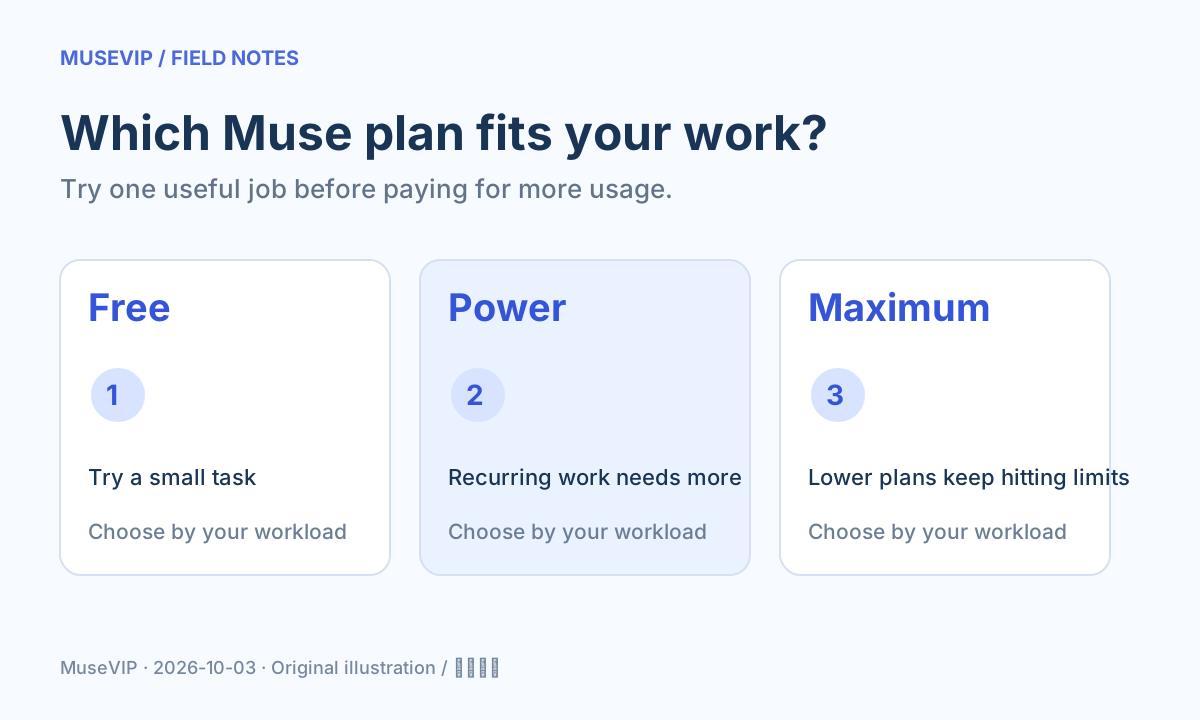
This guide focuses on “Muse pricing” and turns the question into practical steps you can check.
01 | Start with the price, then ask what you need
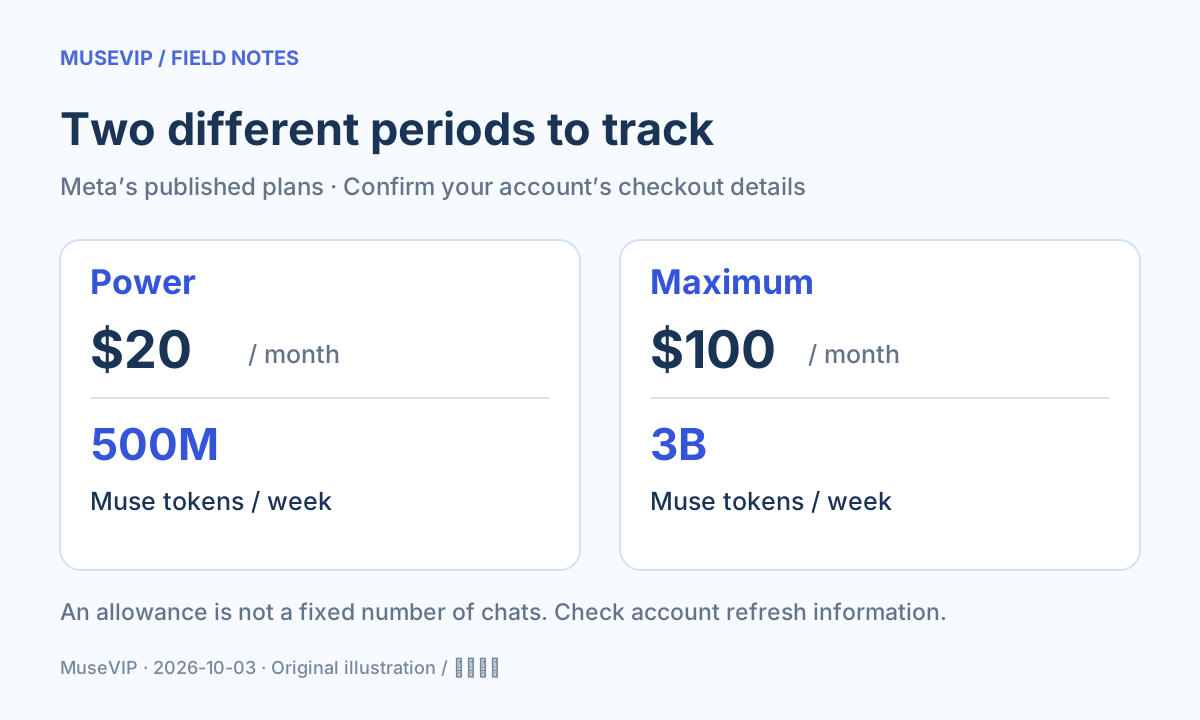
You can try Muse without a paid subscription. Meta currently lists Power at $20 a month with 500M Muse tokens a week, and Maximum at $100 a month with 3B a week. We checked the help pages on October 3, 2026. Your account’s checkout screen is the place to confirm the available benefits and final price.
This guide covers Meta’s personal AI agent. Search results also include unrelated music and video products called Muse, so check the product before comparing prices. MuseVIP is an independent tutorial site; we do not sell Meta subscriptions.
02 | Monthly billing and weekly usage are different clocks
Use the monthly price to plan your budget and the allowance shown in your account to plan work. A token allowance does not tell you a fixed number of chats, reports or completed tasks. A short comparison and a long browsing task can involve very different amounts of work.
Do not multiply the weekly allowance by four and treat the result as one freely available monthly balance. Check the refresh information your account displays, and do not assume unused allowance rolls over.
03 | Try one job you would otherwise do yourself
For example, take three public event pages and ask for a table of dates, locations, registration links and unanswered questions. Save the table and check the links. This is a suggested evaluation task, not a claim about measured token consumption.
Stay with free usage if you only need an occasional small task. Consider Power when useful recurring work regularly hits your allowance. Compare Maximum only when a lower plan still interrupts work and you can name the extra jobs you would run.
Keep a short note for each attempt: what you asked for, whether you could use the result, and what you had to fix. Paying for more usage will not automatically make an unreliable result useful.
04 | Upgrade through your own Muse account
Meta’s web instructions are to sign in at muse.ai, open Menu at the bottom left, choose Settings, and select Upgrade under Usage. Pick a plan and continue to payment. On mobile, start from Menu and Settings too; follow the controls in your current version.
Before paying, check the plan, final charge, billing period and account. Access and subscription benefits can vary by location and account. If you cannot use Muse yet, check eligibility first. For referral questions, use our invite code guide.
05 | Trying it for a month? Make a renewal decision
Subscriptions renew monthly unless canceled. Record the next billing date when you subscribe. On the web, open Manage subscription under Usage in Settings, follow the cancellation controls, and check for confirmation.
App Store and Google Play purchases must be canceled through the relevant store using the purchasing account. Removing the app does not cancel a subscription. Benefits remain available until the current billing period ends; partial refunds generally are not provided unless required by law.
- If you cannot find the subscription, check the purchasing platform and account.
- Save purchase and cancellation confirmations.
- Closing the settings page does not complete cancellation.
06 | Judge value by the work you keep
Suppose you compile event information every week and normally spend half an hour collecting it. If Muse gives you a table that checks out, you can estimate how much collection time the subscription would save. If you mostly experiment occasionally, free usage gives you a better starting point.
Try our free usage walkthrough and first-task guide before making the decision. A checked, saved result tells you more about value than an impressive allowance number.
References
These sources support the product information in this guide. Musevip is an independent publication and is not affiliated with Meta.
Last reviewed 2026.10.03. Product pages may change.