
This guide focuses on “Muse spending ledger” and turns the question into practical steps you can check.
01 | Choose one month and one question
A card purchase and the later payment from your checking account can appear in two different exports. Adding every outgoing entry will count the same purchase twice. Start by asking Muse to organize one month of spending, with financial actions outside the task.
Meta describes statement analysis and budgets in Muse’s finance features. Plaid confirms an account connection that can share transactions and other financial information with permission. This guide is based on those sources, not a test of your account.
Check the connections available to you and their authorization scope. If your current Muse can read supplied files, you can alternatively provide a redacted export. If a scan is unreadable, prepare readable rows first rather than asking it to guess amounts.
02 | Write down what the report covers
For example, define September 1–30 posted personal purchases from checking account A and credit card B. Use your own account aliases, not full account numbers. Keep currencies separate unless you specify a conversion source and date.
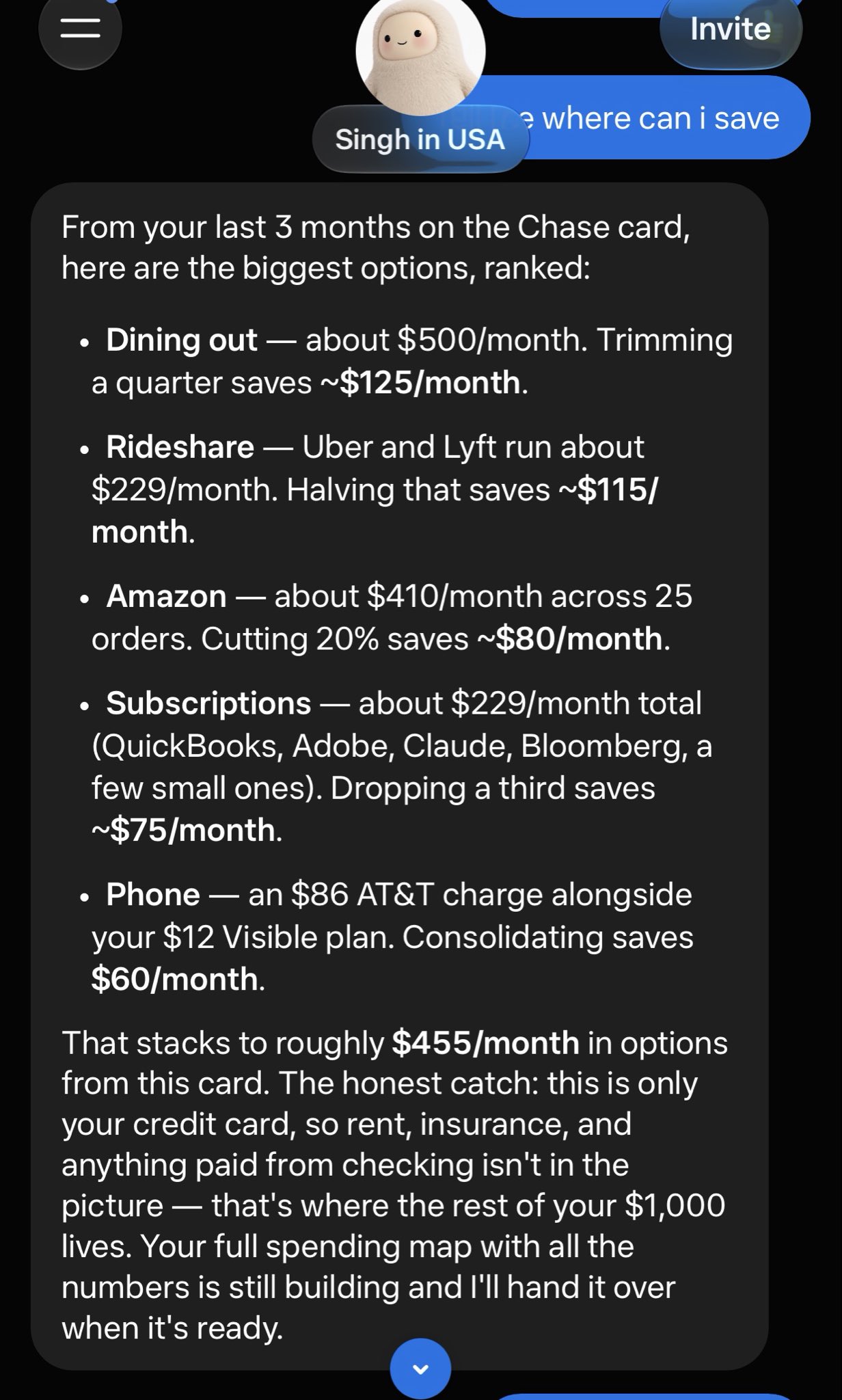
In an original post, iHarnoorSingh shared a spending analysis whose reply explicitly limited coverage to one card. The practical lesson is to check the account scope before trusting a chart. We have not verified the saving forecasts shown in that screenshot and do not use them as a result or recommendation.
03 | Request the source rows first
For each entry, retain the account alias, source file and row or transaction identifier, posted date, original description, amount, currency, and any supplied status. Add a category later without replacing the original description. Label missing fields as missing.
Ask Muse to explain the export’s debit and credit convention. Check a purchase and a confirmed refund you recognize to ensure it has the direction right. Do not provide passwords, one-time codes, or full card numbers in the chat.
Try this request. Read only accounts [A and B] from the supplied files or this task’s authorized access for [dates]. Produce an entry table with source references. Preserve amounts, currencies, and directions. Flag unreadable values and missing dates or statuses. Do not categorize, summarize, or perform financial actions yet.
04 | Keep pending entries and possible duplicates visible
Plaid distinguishes pending and posted records; details can change when a transaction posts. Two similar rows therefore need review. Use supplied status and linking identifiers where available, rather than assuming they are two purchases or deleting one.
This report uses a posted-only basis. Keep pending entries in a separate review list. If the export lacks useful status or identifiers, flag the pair and check the bank’s current online activity. Plaid documents several possible duplicate causes, including duplicate account connections and genuine double charges. Matching amounts alone do not settle the question.
05 | Separate purchases from moving your own money
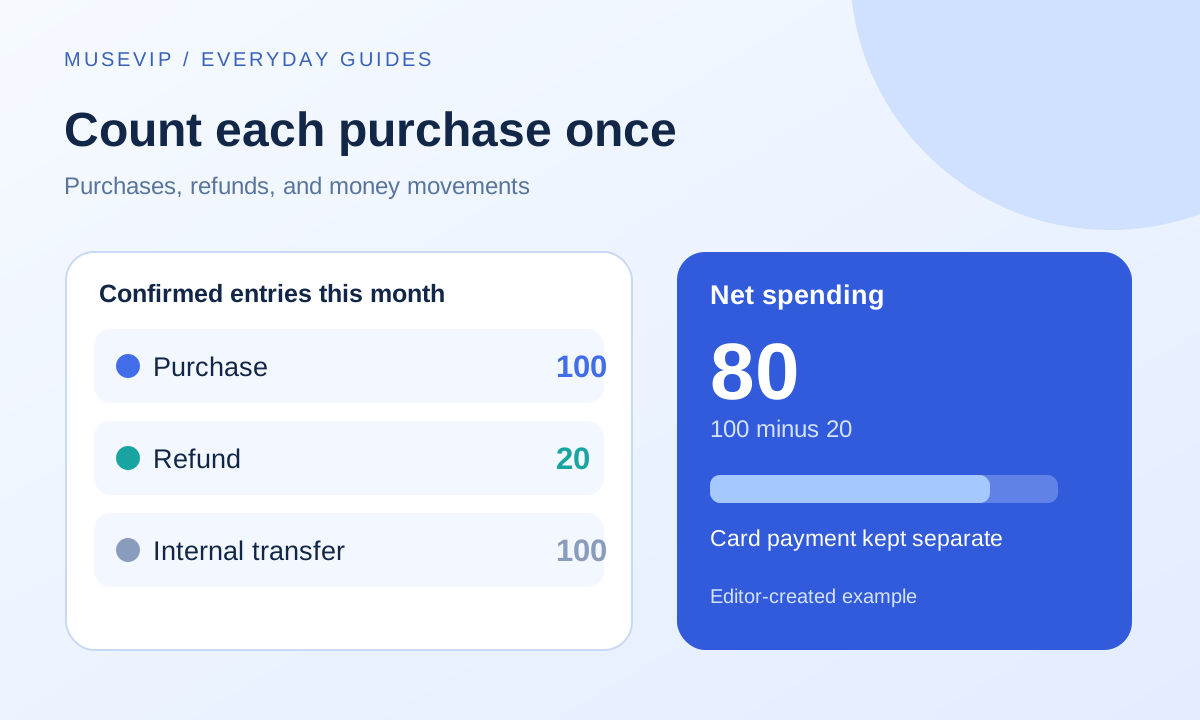
For this purchase-based report, exclude confirmed transfers between your accounts and the corresponding credit card principal payment from purchase categories. Retain them in a money-movement table. A cash-flow report would still need outgoing card payments, so keep those two reports distinct.
Require matching evidence or your confirmation before classifying an internal transfer. Payments to others, loan principal, interest, and fees need separate treatment. Do not exclude every row labeled payment. Keep cash withdrawals visible; actual cash purchases need their own records.
06 | Match refunds before calculating category totals
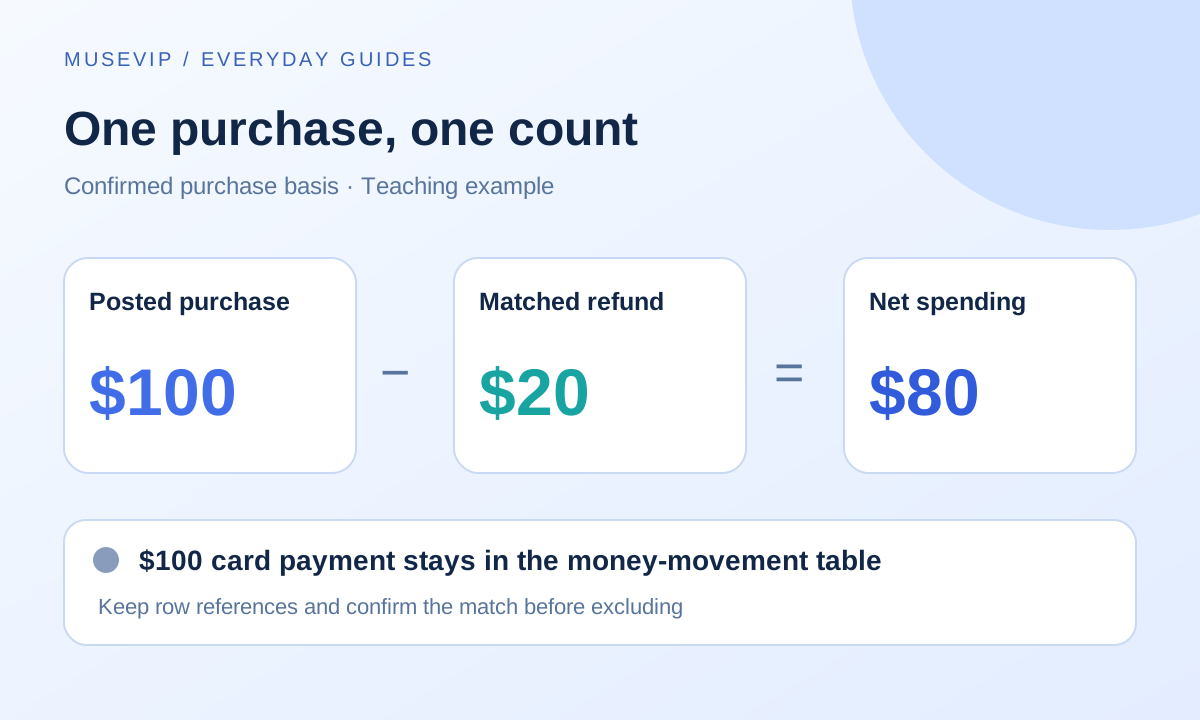
Here is an editor-created example. A card has a $100 purchase and a matching $20 refund in the same month. Checking activity also shows a $100 card payment. Under this report’s purchase basis, net spending is $80, and the card payment stays in a separate table. These figures are not taken from the creator’s account.
Link a refund to its original purchase when you can establish the match. Otherwise keep an unresolved refund item. State how you handle a refund received in a later month. This guide records it in its posted month and notes the original purchase month. If you restate the purchase month instead, save a revised version with the change recorded.
07 | A merchant name is only a starting point
A general retailer or payment processor does not reveal exactly what you bought. Use your own category rules and available receipts. Keep uncertain entries uncategorized. Plaid’s troubleshooting guidance also acknowledges incorrect merchant and category fields.
Request category totals with posted purchases, matched refunds, net spending, and unresolved amounts shown separately. Separate personal and business entries. Mixed purchases require an allocation you can support; the model should not invent a percentage.
08 | Reconcile the summary and save a traceable version
Check the largest purchase and one refund, then a suspected duplicate and a card payment. Each should lead back to a source row. Category totals must reconcile with the entry table on the same basis. Ask for the difference and affected rows if they do not, rather than a balancing miscellaneous entry.
Try this follow-up. Apply my rules only to the confirmed table. List pending records, suspected duplicates, money movements, and uncategorized items separately. Exclude only transfers and matching principal payments I have confirmed. Record refunds in their posted month. Provide calculations and row references for each category. Return a ledger and a short summary without cancelling subscriptions, moving money, or sending information.
Name the saved file with its month and version. Keep account scope, date basis, and unresolved questions with it. When data is incomplete, compare current bank activity and check the connection rather than filling the gap. For the separate task of reviewing recurring charges, see the Muse subscription audit guide.
References
These sources support the product information in this guide. Musevip is an independent publication and is not affiliated with Meta.
Last reviewed 2026.10.01. Product pages may change.