
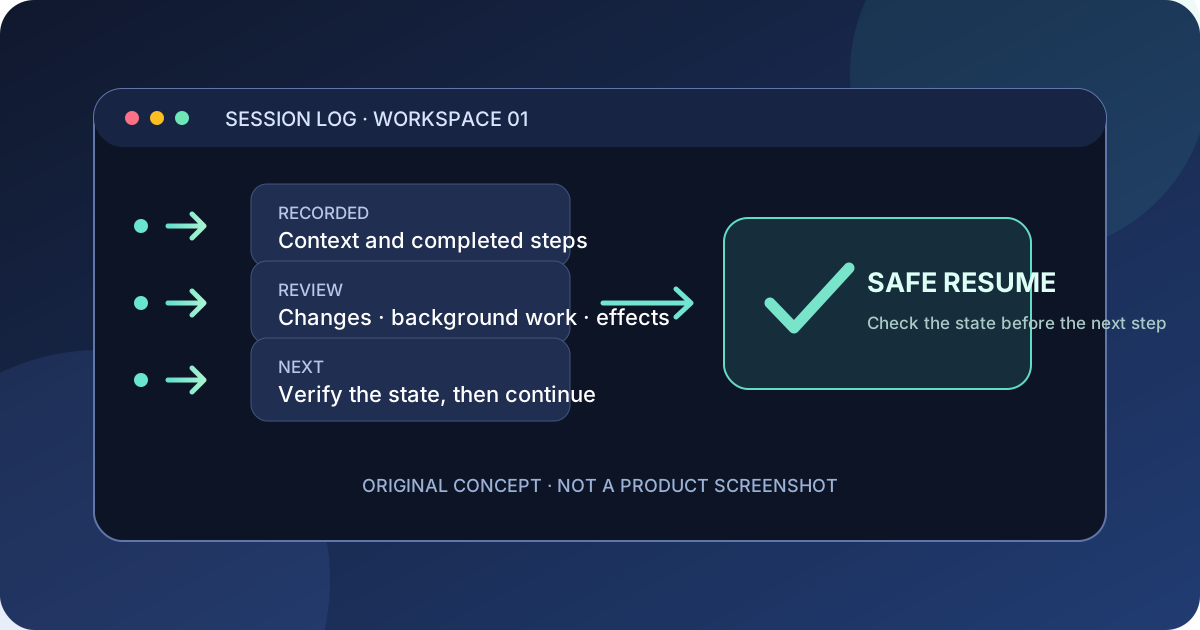
This guide focuses on “Muse Code resume session” and turns the question into practical steps you can check.
01 | Return to the same project first
Muse Code's interactive resume flow looks for retained sessions in the current workspace. Open the directory where you started the task, then launch muse. A different repository or clone can have a different session list.
Meta's interactive guide says Esc interrupts the current turn. It does not stop background terminals or subagents, so check whether any work is still running before you reopen the conversation.
02 | Choose the session you want to reopen
In the interactive UI, enter /resume and select a retained session from this workspace. Use /resume --last only when the latest session in this workspace is the one you want. Muse Code relaunches the retained conversation, so expect a brief transition.
From a terminal, open the picker or use the most-recent-session command shown in Meta’s recovery cookbook:
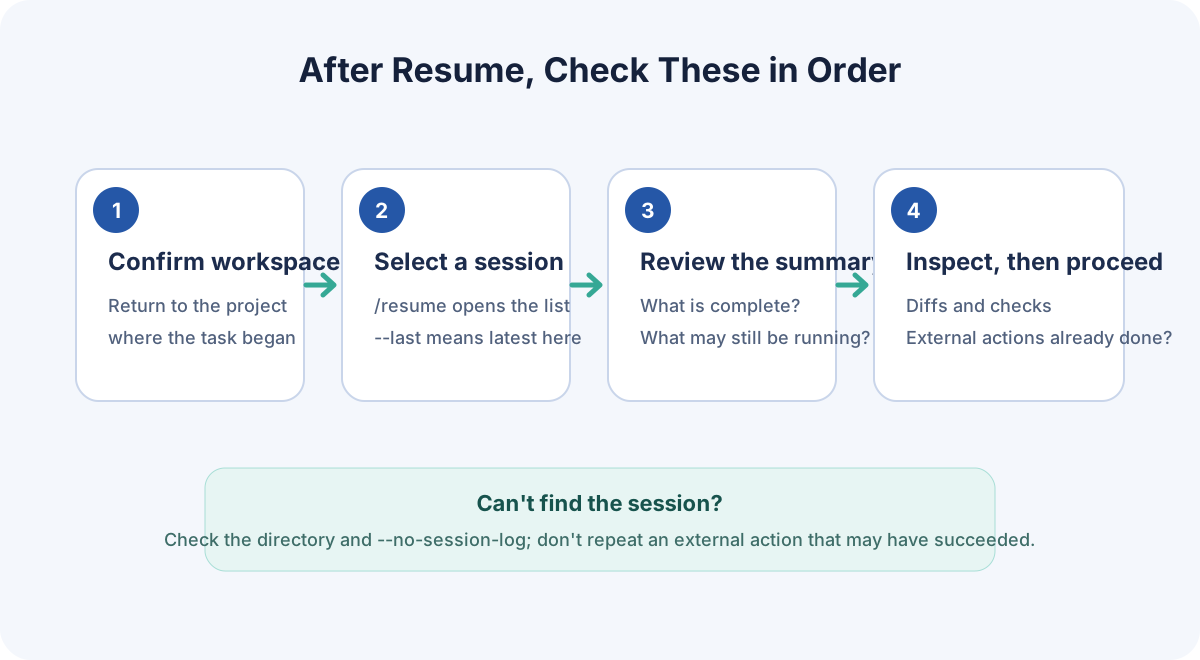
- muse resume opens the interactive picker.
- muse resume --last reopens the most recent session in this workspace.
03 | Inspect the state before asking it to proceed
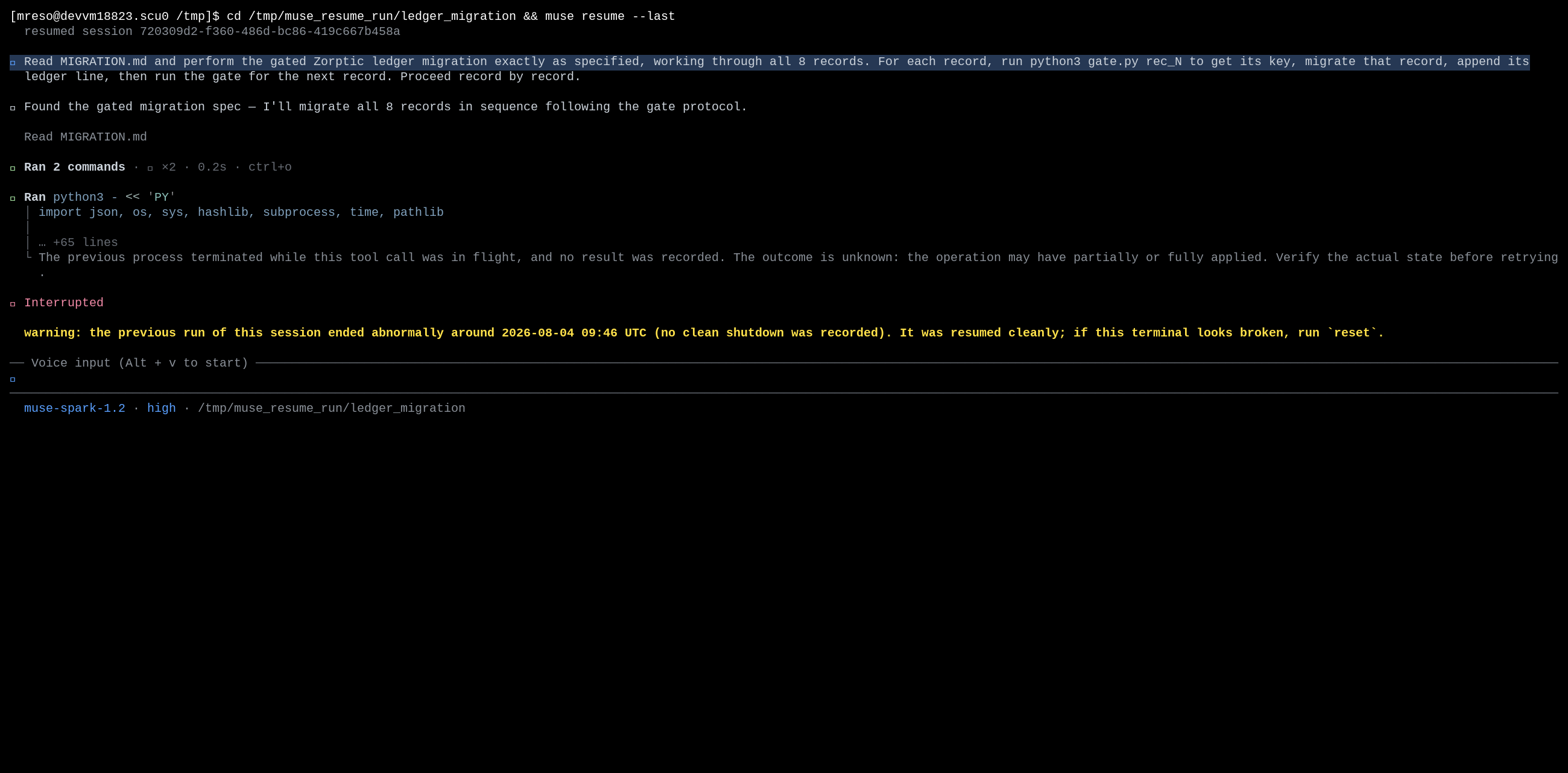
A resume is not a replay of your first prompt from scratch. Muse Code rebuilds the conversation from its retained event log. Meta says a completed effect is treated as done; if an action was announced but has no completion record, the agent should verify the real state before trying it again.
Ask for a short status report: last completed step, current branch, changed files, running background work, and remaining checks. Review the diff and command output yourself. For email, publishing, deletion, or other external actions, check the destination system before authorizing a retry.
The screenshot below comes from Meta's recovery cookbook. It shows a started operation whose outcome is still unknown. It is an official sample from the version shown in the image; your installed build may phrase the warning differently. Check the outcome before retrying.
- Confirm the project directory and uncommitted changes are the ones you expect.
- Check whether the last external action already took effect before asking for another attempt.
- Name the tests or acceptance checks the task still needs to pass.
- If the goal has changed, state the new scope and stop the old flow before side effects overlap.
04 | Copy this cautious continuation prompt
After resuming, ask Muse Code to inventory the current state before it takes another action:
- Continue from this session's current state. First summarize the last completed step, project directory and branch, existing file changes, background work that is still running, and checks that remain. Do not repeat completed external actions. For email, submission, publishing, deletion, or purchases that may already have happened, inspect the real state and report what you find; pause if it is unclear. Once we confirm the state, continue toward these acceptance checks: [list your checks]. Do not commit, push, or deploy yet.
05 | If there is no retained session
Check whether the launch included --no-session-log. Meta's configuration guide says this option disables retained session state for both the interactive CLI and muse exec, including resume. Inspect the files on disk, then start a new session with a concise handoff; do not assume the conversation can be recovered.
For a headless job, Meta documents muse exec --session-id <uuid> "Continue the task.". Replace the placeholder with that job's actual session ID. This is different from the interactive muse resume UI. Muse Code also refuses a workspace mismatch by default; only consider --allow-workspace-switch after checking the target directory.
06 | Sources and version note
This guide follows Meta's Muse Code documentation available on October 1, 2026; it was not run against a local Muse Code installation. The official changelog page listed version 1.4.2 on that date. Your installed build, workspace, and whether the session log was retained still matter.
A developer reported a workflow-launcher problem after resuming through the Muse Session Protocol SDK. That report concerned a specific SDK setup and is not evidence that interactive CLI resume generally fails. If you build an SDK client and see a similar error, check its version and the issue's current status.
References
These sources support the product information in this guide. Musevip is an independent publication and is not affiliated with Meta.
Last reviewed 2026.10.01. Product pages may change.