
This guide focuses on “Muse Code MCP setup” and turns the question into practical steps you can check.
01 | Check the product and version first
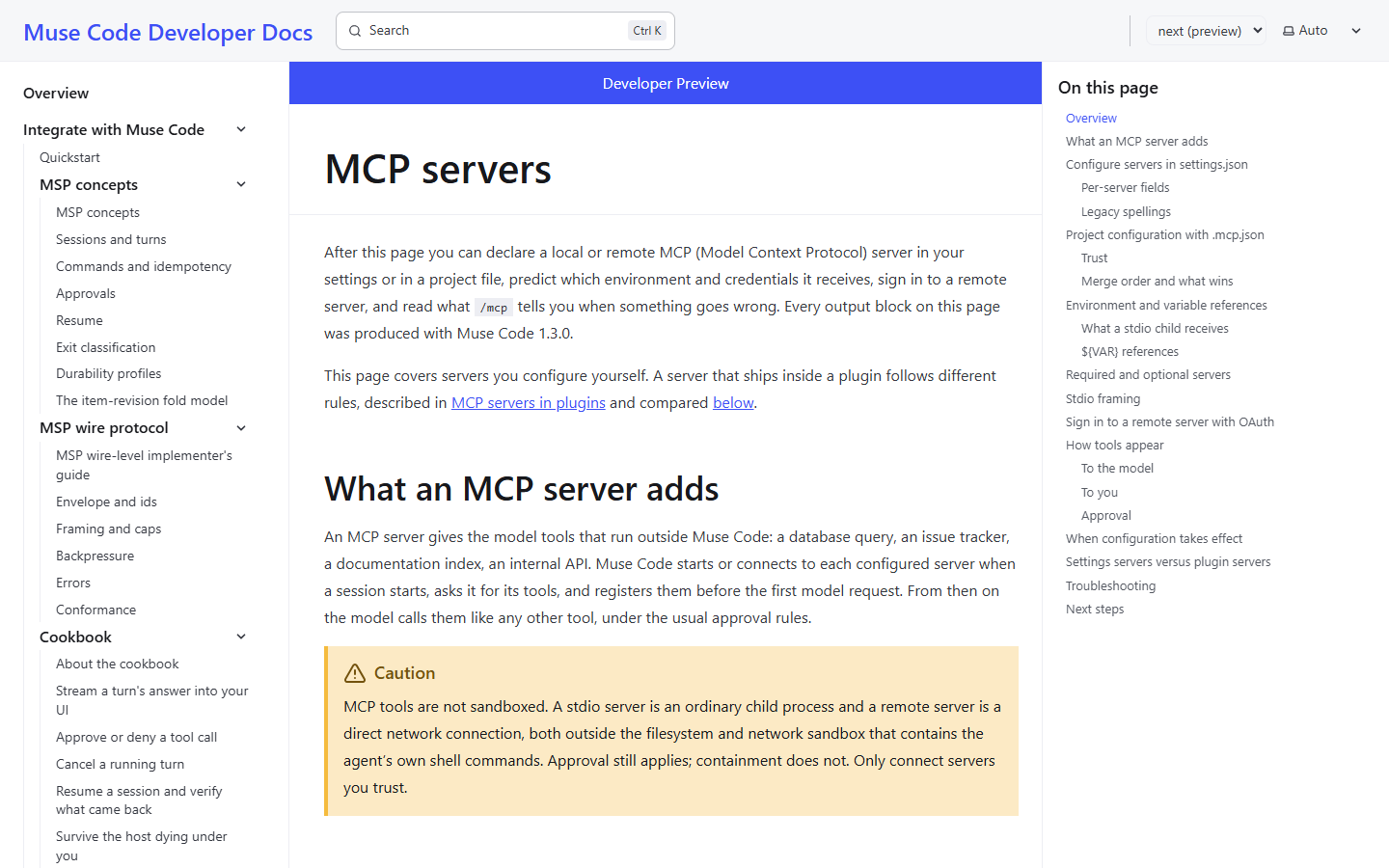
A search for Muse MCP can lead to community bridges that expose Muse to another agent, or instructions for adding tools to Muse Code. They connect in different directions. This guide concerns the terminal coding agent, not an assumed MCP menu in the consumer Muse app.
Check muse --version and muse mcp --help before editing configuration. We compared Meta’s extension manual with the developer-preview guide, which labels its examples as Muse Code 1.3.0. Use documentation matching your installed release when its help or behavior differs.
You need a trusted service endpoint, permission to use it, and the provider’s authentication instructions. The team-document service below is a practice setup with a placeholder address. We have not tested your server.
02 | Know where the tools execute
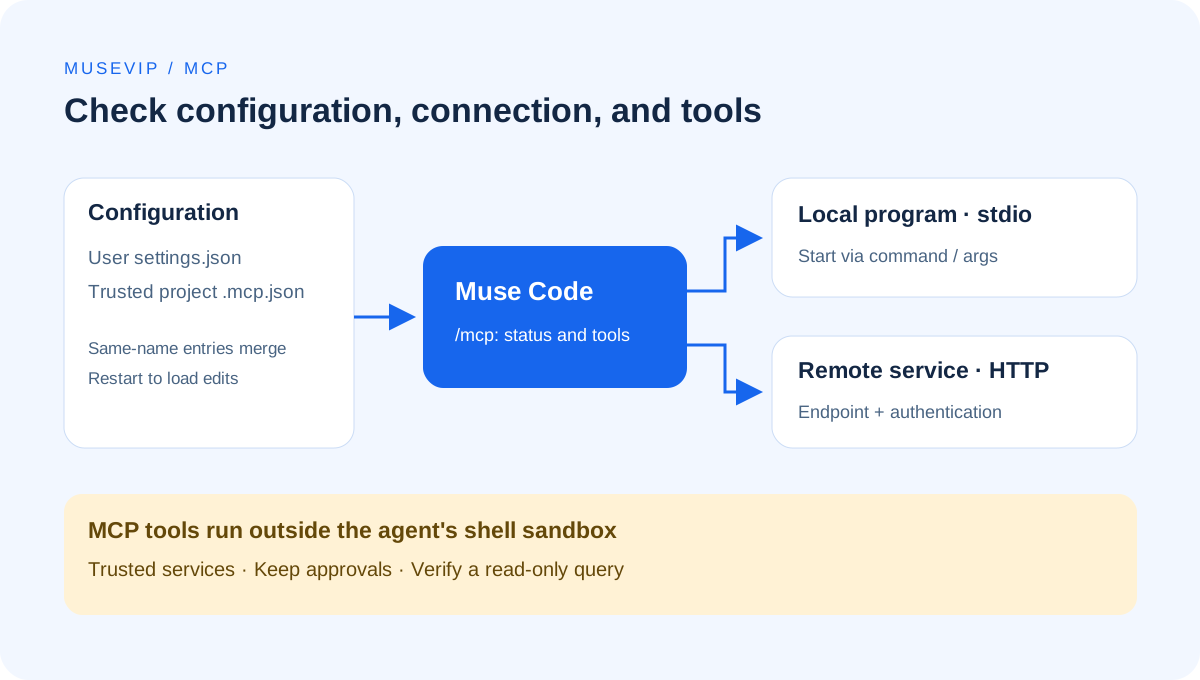
With stdio, Muse Code launches a local program. With streamable HTTP, it connects to a network endpoint. The provider should identify the tools, accessible data, and authentication method before you configure anything.
The official documentation says MCP tools operate outside the sandbox containing Muse Code’s own shell commands. Keep the applicable approval policy and start with a read-only task on a server you trust. A prompt requesting read-only behavior does not change server-side permissions.
03 | Add one remote server to user settings
The documented settings path is $XDG_CONFIG_HOME/muse/settings.json, falling back to ~/.config/muse/settings.json when XDG_CONFIG_HOME is unset. Back up an existing file, then merge the new entry. Do not replace unrelated settings with this minimal example.
Replace docs.example.com with the actual endpoint supplied by your provider. The example domain is not a working service. team-docs is the name you will use in the login command.
{ "schema_version": 1, "mcpServers": { "team-docs": { "type": "streamable-http", "url": "https://docs.example.com/mcp", "required": false } } }
Keep schema_version set to 1 in the user settings file. Avoid mixing mcpServers with its legacy mcp_servers spelling, or type with transport in the same entry. required is explicitly false here so the initial connection is optional.
04 | Complete OAuth from the terminal
For a service requiring OAuth, run muse mcp login team-docs. Review the provider’s domain, account, and requested access in the browser. Tokens and callback URLs do not belong in the conversation or in published screenshots.
The 1.3.0 preview guide limits this command to streamable HTTP entries in user settings. It does not authorize a server defined only in project .mcp.json, a stdio server, or an entry already using a static Authorization header. Check the entry type when login is refused.
05 | Start a fresh process and inspect /mcp
Launch a new muse process after saving configuration. Run /mcp in the interactive session and inspect the server status, advertised tools, and any error. Configuration is read at process startup; /clear or /new inside the old process does not reload it. Picking up a completed OAuth login at runtime is a separate behavior.
A connected status is one check. Next, ask for a query against a public test document whose contents you know. Require the document title and source location, and prohibit creating or modifying content. Compare the answer with the source. Choose tool names from the inventory rather than assuming every provider exposes a tool named search.
06 | Local programs and project configuration need their own checks
For stdio, use the provider’s actual executable in command and separate arguments in args. The program is executed directly rather than through a shell. Pass the required environment through env according to the provider’s instructions; do not paste a piped installer into command.
A project .mcp.json can share server definitions, but Muse Code reads it only in a trusted workspace. Project definitions also merge with user settings, and a closer project file may change a server with the same name. Inspect the final endpoint and executable paths before trusting an unfamiliar repository.
The preview guide documents variable expansion in stdio env values only. HTTP headers retain literal values. A ${VAR} placeholder in a header does not automatically become your token.
07 | Troubleshoot the reported failure
- No server in the inventory: check the configuration location and name, start a fresh process, and check workspace trust for a project entry.
- Configuration diagnostic: check valid JSON, schema_version, mixed legacy fields, and missing environment references.
- Local program unavailable: verify the executable, arguments, and working directory using the provider’s startup instructions.
- 401 or OAuth required: verify the account and endpoint, then follow the exact muse mcp login instruction in the error.
- Timeout or unexpected tools: check the server’s health and documentation. Broadening access does not repair a transport failure.
08 | Remove credentials and stop the connection separately
For a remote OAuth server, run muse mcp logout team-docs. The documentation describes local credential removal and best-effort remote revocation. A successful logout does not establish that the provider erased historical data; review its account authorizations when necessary.
To stop future connections, set enabled to false or remove the entry, then restart Muse Code and inspect /mcp again. To package a repeatable task after the connection works, see the Muse Skills guide.
References
These sources support the product information in this guide. Musevip is an independent publication and is not affiliated with Meta.
Last reviewed 2026.10.01. Product pages may change.