
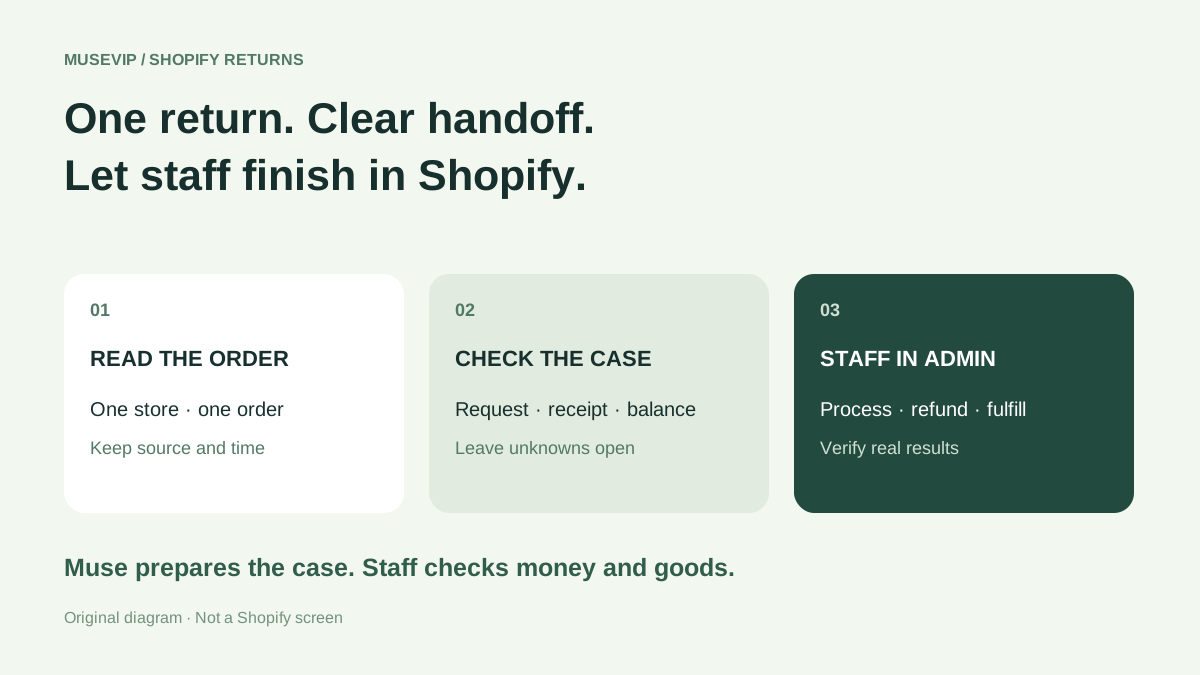
This guide focuses on “Muse Shopify returns” and turns the question into practical steps you can check.
01 | A zero balance does not remove the connector limit
A customer wants the same product in another size. No extra money seems necessary, so you ask Muse to handle it. On October 1, @PredictionCompr reported being blocked when processing a return and shipping a replacement. Their short account did not include a full order record; we checked Shopify’s current connector documentation.
The connector reads orders. Refunds, cancellation or capture, and return processing remain admin actions, even with write access. We have not executed a real return in a store. This workflow uses Muse to prepare a case that an authorized person completes in Shopify admin.

02 | Confirm the store and inspect one order
Start with the connected store and exact order number. Read variant, quantity, payment and fulfillment state, and recorded tracking. Supply only the customer-message details needed for this case.
The AI connection uses one store at a time. After switching, start a new conversation. Keep unknown fields unknown: fulfilled does not establish delivery, and a customer saying they shipped something does not establish warehouse receipt.
Try this request. Read only 【store】 order 【number】. Return its items, quantities, payment and fulfillment status, previous support activity and original order link. Separate the customer’s request from recorded events. Do not change the order or initiate any return, refund or replacement.
03 | Build a case record with evidence for each claim
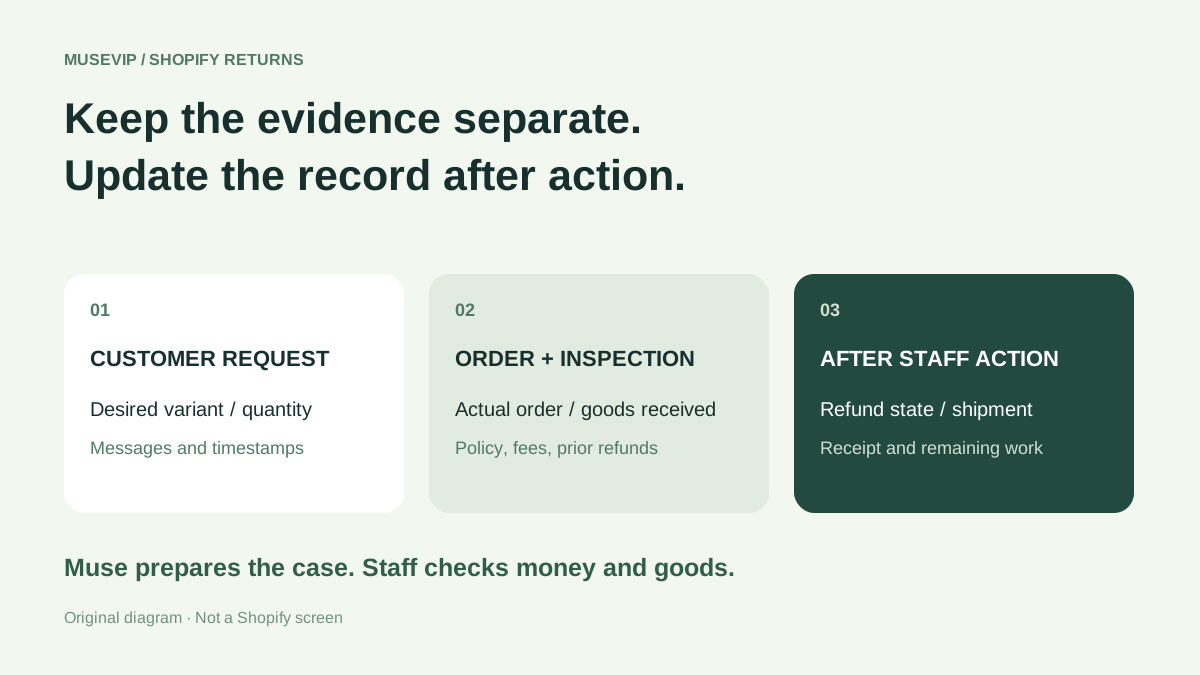
Give each item its own row. Record original variant and quantity, requested outcome, communication time, receipt status, completed staff actions and missing information. A requested medium size is not evidence that a medium is available.
Ask Muse to attach each source: the order, a customer message or a warehouse inspection. Preserve conflicting statements and their dates for the owner to resolve. Review this record before drafting a response.
04 | Check the applicable policy before promising an outcome
Have staff inspect the order’s applicable rules, including window, eligibility and fees. Shopify applies return rules when an order is placed, and they also affect manual processing. A newly changed policy does not establish that an earlier order follows it.
Market and product conditions can differ. Provide the actual order date and applicable terms to Muse. Its initial reply should explain the next check and follow-up time rather than inventing a universal free-return period or a refund amount.
05 | Inspect received goods and review the complete balance
Open the original order in Orders and inspect any earlier refund. Where goods will be received back, create the appropriate return before refunding those items. An already refunded item cannot be added as an ordinary new return.
Review the actual fees and calculated outcome, not only the two product prices. Partial processing can produce a different balance from processing all items together. Exchange inventory is reserved when the return is processed, so earlier availability is not a reservation.
Ask Muse to organize the current admin result as refund due, payment due or even exchange. Keep the snapshot time and outstanding items. Staff selects and verifies the actual processing combination.
06 | Verify financial handling and replacement fulfillment separately
An authorized staff member processes the inspected items under Return in progress. Check the restock location and release the appropriate exchange items. A refund may be issued now or later; a processed return is not proof of a completed refund.
Inspect replacement fulfillment separately. Items awaiting payment can remain on hold. Staff must confirm payment and shipment steps before a customer reply says the replacement shipped. Update the case record from the real outcome.
07 | Write a reply from the actual result
Record method, amount and refund status. Original payment and store credit are different outcomes. Refunding the original payment after issuing store credit does not automatically reverse the credit and can over-refund the order; inspect previous transactions first.
Have Muse draft what was received, what happened and what remains open. Check whether Shopify already sent a notification before sending another message. A planned refund and a completed payment are separate statements.
08 | Use this handoff prompt and preserve unfinished work
Read only 【store】 order 【number】 plus the customer messages and inspection records I provide. Retain sources and timestamps. List original items, quantity, requested outcome, received and missing returns, previous refunds, requested replacement and missing evidence. Do not execute refunds, capture payments, cancel, process returns or fulfill items.
Prepare staff actions under the order’s applicable rules. Staff will verify fees and the current balance. After I provide actual completion records, update refund method and state, receipt quantity and location, replacement fulfillment and tracking, notifications sent and remaining questions. An unsupported completion remains pending.
Keep everything attached to this case. Staff closes it after outstanding work is checked. Continue with the <a href="/en/guides/muse-shopify-inventory-check/">Shopify inventory review</a> or <a href="/en/guides/muse-customer-service-followup/">customer follow-up guide</a> when those tasks are needed.
References
These sources support the product information in this guide. Musevip is an independent publication and is not affiliated with Meta.
Last reviewed 2026.10.02. Product pages may change.