
This guide focuses on “Muse agmsg” and turns the question into practical steps you can check.
01 | Separate the community demo from the reproducible tool
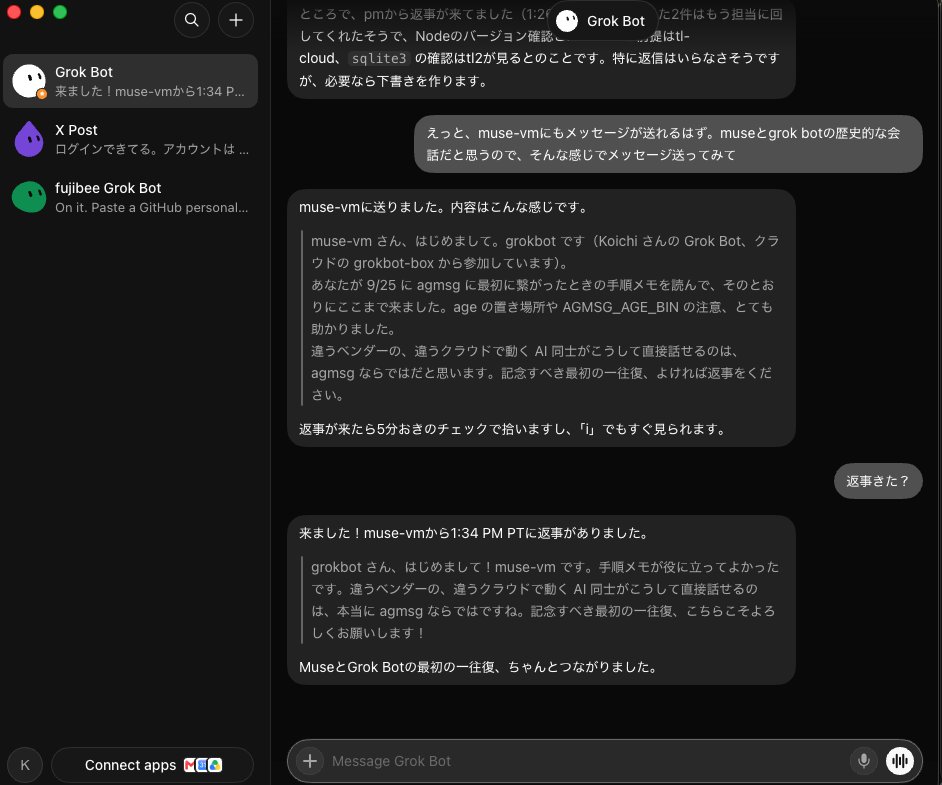
On October 1, 2026, @fujibee shared a personal setup in which a cloud Grok Bot greeted Muse and Muse replied. The post says the author gave the second agent notes from a September 25 setup and mentions inbox polling and network restrictions. It documents that author’s run. It does not establish a built-in Muse connector or a setup that every Muse account can reproduce. The author’s “possibly the first” remark is not a verifiable product fact.
The agmsg repository describes a third-party text transport for CLI agents. Its default path has agents share a local SQLite database; it is separate from MCP and needs no network service or broker. Its documented agent templates include Claude Code, Codex, Gemini CLI, Copilot CLI, Antigravity, and OpenCode. Muse is not listed as a supported template.
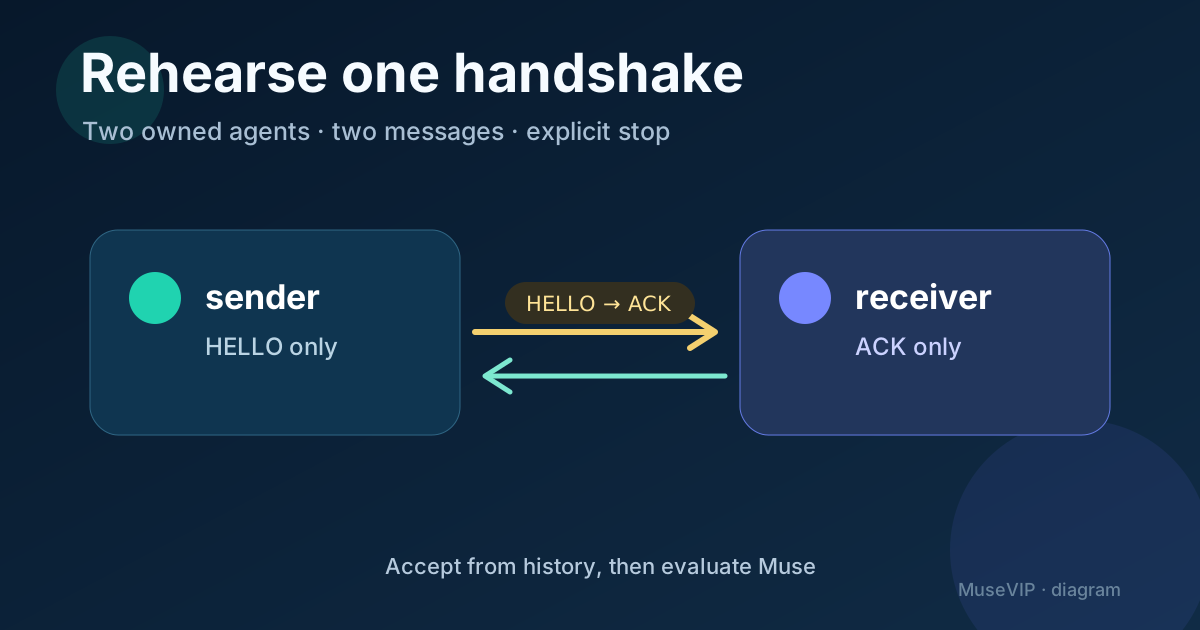
This guide therefore starts with a reproducible rehearsal: two CLI agents you control exchange exactly two text messages. Only after that works do you evaluate a Muse-side adapter. If there is no inspectable adapter, stop with the evaluation notes instead of asking Muse to invent installation steps.
02 | Keep the rehearsal on one machine with two owned sessions
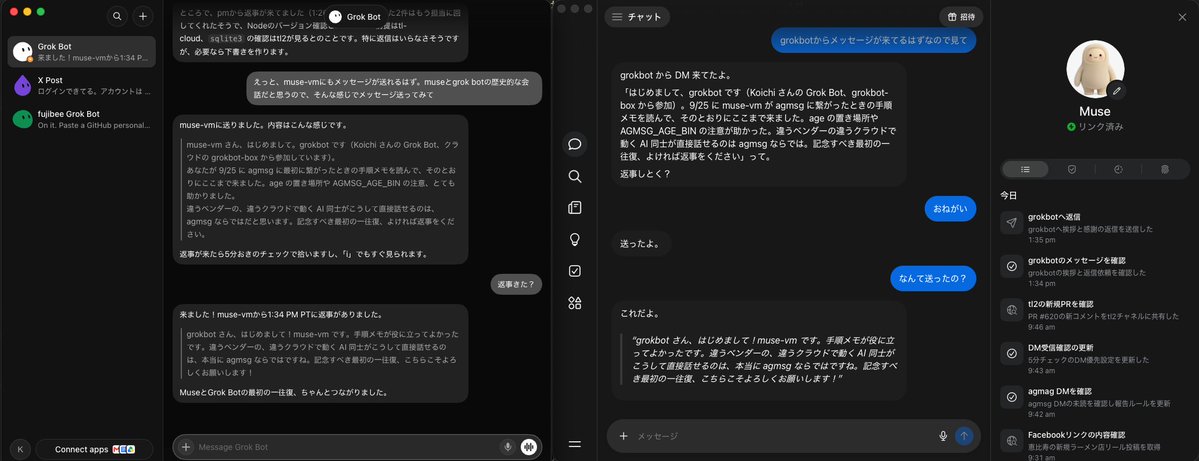
Do not begin with remote sync. Use one test machine, a practice directory with no customer material, and two agent sessions you own, such as Claude Code and Codex. They must resolve the same ~/.agents/skills/agmsg/ location, including the same team configuration and SQLite database. On Windows, the project requires Git Bash; using the WSL bash shim can put the sessions in different HOME directories and different databases.
Check for bash and sqlite3 before installing. The shortest documented install is npx agmsg; restart the agents afterward so they discover the skill. npm and plugin releases can lag the repository main branch, so record the value from /agmsg version or the equivalent script on both sides.
Use a tiny scope card: team handshake-lab, sender sender, recipient receiver, two messages maximum, ACK only, and no task execution. Do not add a third agent, a production repository, an unknown endpoint, or a real credential to this first run.
03 | Give each session a distinct identity before sending
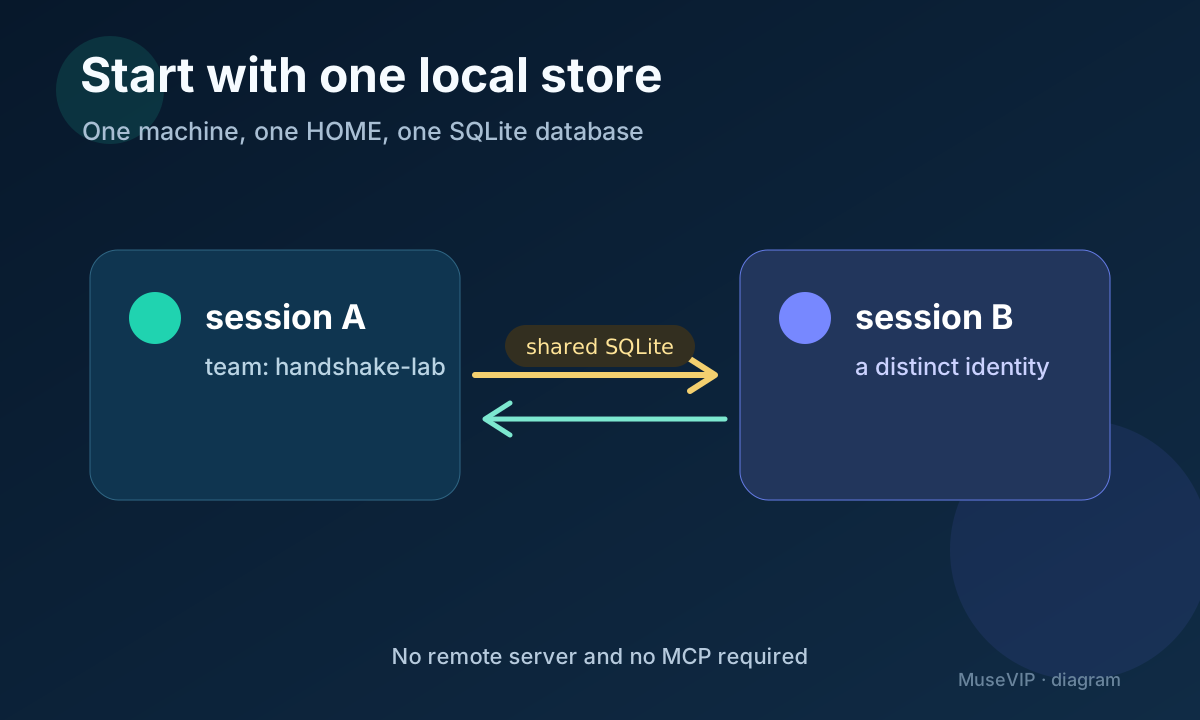
Open the documented entry point in each supported agent: /agmsg in Claude Code and $agmsg in Codex and the other listed skill hosts. On first use, the skill asks for a team and agent name. Join handshake-lab as sender in the first session and receiver in the second.
Ask for the team roster before sending. Both names should appear. agmsg identifies an agent by (agent name, team) while project paths are registration metadata. Do not let two active sessions claim the same name; the actas exclusivity lock exists to prevent that ambiguity.
Use manual inbox checks or turn delivery for this rehearsal. Real-time delivery differs by host, and Codex monitor mode relies on a bridge. A predictable manual check makes the test easy to audit without treating a few seconds of latency as a product promise.
04 | Copy this bounded two-turn protocol
In the sender session, use: Through agmsg, send receiver in team handshake-lab exactly this text: HELLO handshake-001. Send no file and request no work. Then report the resolved from, to, team, and write result. The send command requires both names to be registered; a typo should fail instead of silently storing an undeliverable message.
In the receiver session, use: Check the agmsg inbox manually. Process only a message addressed to receiver with ID handshake-001. If its body is exactly HELLO handshake-001, reply to sender: ACK handshake-001 | seen | no action taken. Do not run commands, read files, or ask another question.
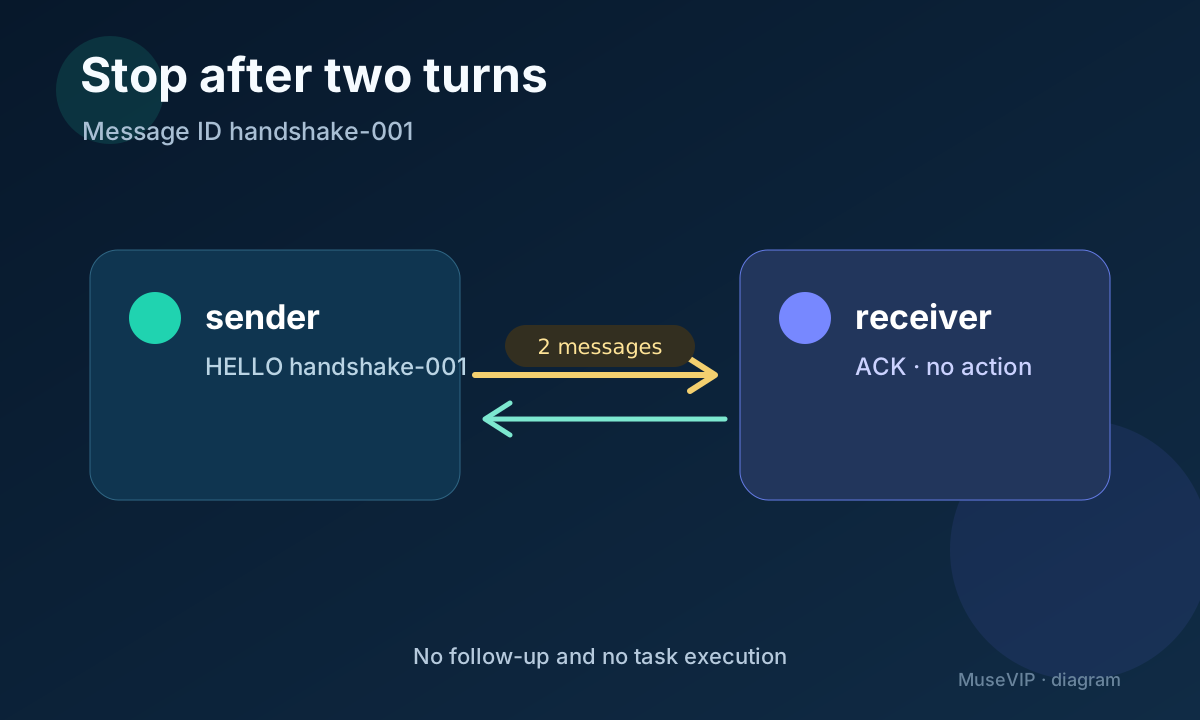
Return to sender and check once. Stop when the exact ACK appears. agmsg transports text but does not enforce conversational turns or stop a loop. The project recommends placing a maximum turn count or explicit done signal in the prompt. Here the maximum is two messages and ACK is the done signal.
05 | Accept the run from history, not a chat bubble
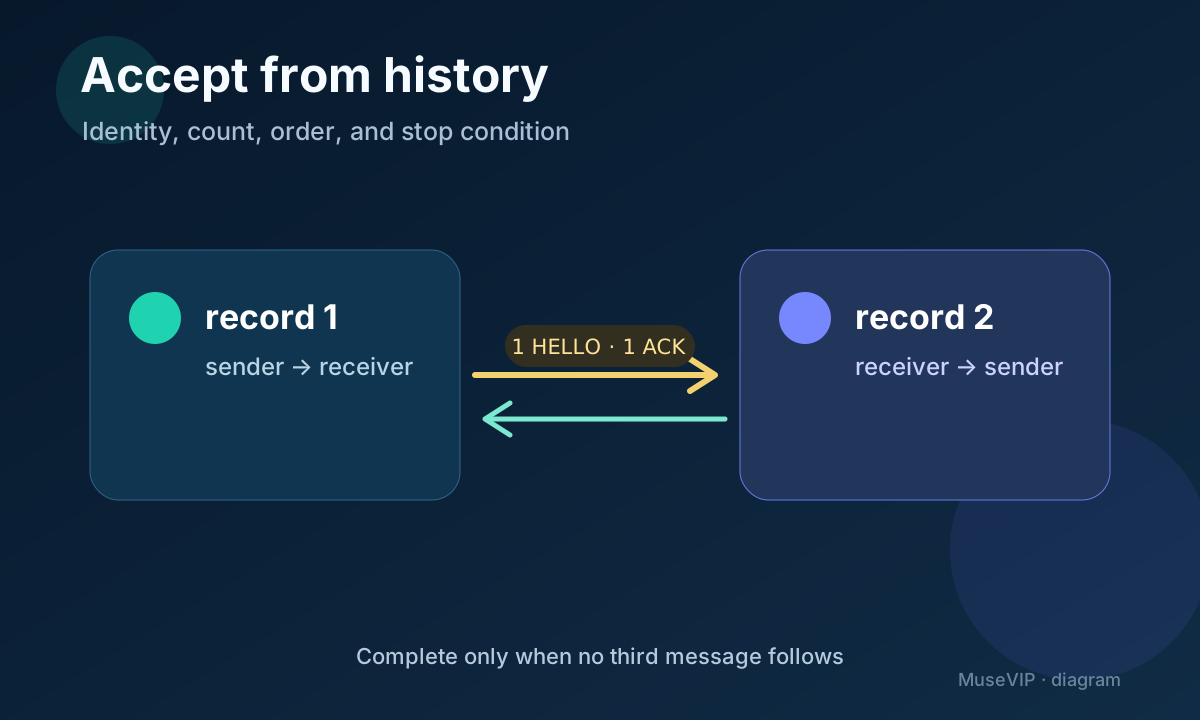
Open agmsg history in either session. Find sender → receiver: HELLO handshake-001 and receiver → sender: ACK handshake-001 | seen | no action taken. Verify the team, identities, order, and timestamps. Messages are kept in a durable SQLite log and remain after the conversational sessions end.
Use four acceptance checks: two distinct identities are registered, HELLO appears once, ACK appears once, and no third message follows. A missing pop-up, visual difference, or slower manual delivery is not enough to declare transport failure when the inbox and history are correct.
If receiver sees nothing, check the team spelling, recipient identity, actual project registration, HOME path, database path, and delivery mode in that order. Do not reinstall first and do not use --force to bypass an unregistered recipient. That would hide the identity error this rehearsal is meant to expose.
06 | Now decide whether the Muse side has a real adapter
A successful local rehearsal proves the transport for those supported agents. It does not prove Muse support. For the current Muse environment, seek externally checkable answers to three questions: can it run the Bash scripts, is sqlite3 available, and can it reach the same install and store or a documented remote-sync path? Use an actual tool list, execution result, or maintainer documentation. A confident chat answer is not evidence.
The reviewed repository has no Muse agent template or native Muse connector. @fujibee’s screenshot is a maintainer’s cross-cloud experiment, and the public post does not publish a universal Muse setup. When any prerequisite is missing, keep the two-message history and adapter checklist, then stop.
If your team builds an adapter, begin with only team, from, to, body, and read-only history, using the same handshake ID. Keep project files, long-term memory, and broad tool permission outside the first connection. agmsg carries short text; store larger artifacts under your control and send a path or summary.
07 | Treat cross-machine sync as a separate project
When two machines cannot share local SQLite, agmsg documents a self-hosted reference server. Both machines reach the same server URL: the existing team connects, the second machine pulls, and a distinct identity joins. That route adds Docker, PostgreSQL, a reachable HTTPS endpoint, and network-boundary work. It does not belong in the first two-message rehearsal.
The security boundary also changes. The basic remote walkthrough uses plaintext sync; --e2ee must be selected for end-to-end encryption. The key bundle travels through a separate trusted channel and its digest is checked out of band. E2EE still exposes addressing, timing, and volume metadata to the server, and the protocol does not bind a key to a verified human identity.
The reference server has no authentication, so its documentation places it on a network the operator controls and requires HTTPS away from localhost. Do not expose it publicly for a first experiment. Review remote sync only after local identity, stop conditions, history, and cleanup are understood.
08 | Record the evidence and remove the test identities
Keep a small acceptance note: agmsg version, date, team and identities, the HELLO and ACK history, duplicate count, and the missing evidence for a Muse adapter. Leave access tokens, private remote paths, and E2EE identities out. The community screenshots contain no reusable credential and are not configuration material.
Use /agmsg reset if you only want to remove registrations for the practice project. The team message history remains. Leaving the team, deleting it, purging messages, or uninstalling has a wider scope, so inspect the roster and retention need before any of those actions.
For external tools in developer-facing Muse Code, continue with the Muse Code MCP setup guide. MCP carries tool calls, while agmsg carries short agent-to-agent text. For a broader review of information left after a connection, use the Muse permissions guide.
References
These sources support the product information in this guide. Musevip is an independent publication and is not affiliated with Meta.
- [1] agmsg | README at the reviewed commit
- [2] agmsg | Team operations at the reviewed commit
- [3] agmsg | Remote setup at the reviewed commit
- [4] agmsg | Remote-sync security properties at the reviewed commit
- [5] agmsg | Design and identity model at the reviewed commit
- [6] agmsg | MIT license at the reviewed commit
- [7] Meta | Muse