
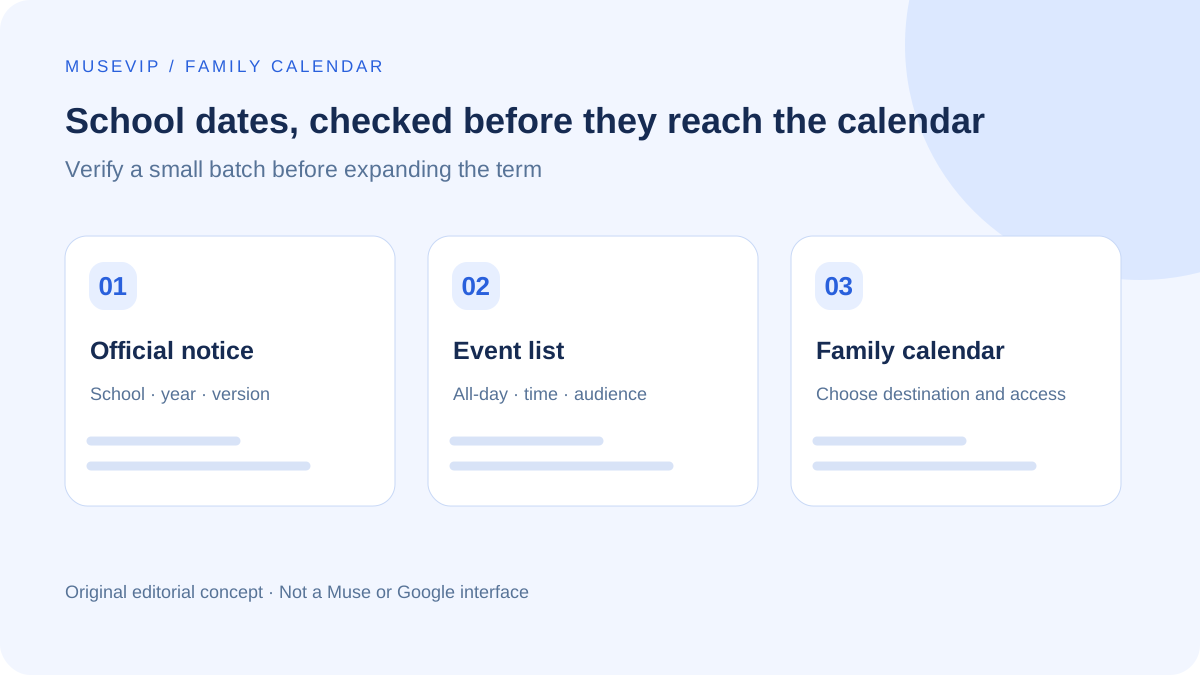
This guide focuses on “Muse school calendar” and turns the question into practical steps you can check.
01 | Keep the pickup details with the school dates
A school-year calendar tells you which day matters. A later notice may tell you the pickup time. Ask Muse to collect both into a small event list before adding anything to a calendar.
X user @jaredfavole described finding a school district and asking Muse to place days off, half days, and early-release events in a shared calendar. That personal account gives us a useful workflow to examine; its speed and result are not promises for every account.
Meta describes calendar coordination as a Muse capability. This guide starts with a checked list, then uses an available calendar connection or Google Calendar file import. Use the permissions and tools actually shown in your account.
02 | Fix the school, year, and source version first
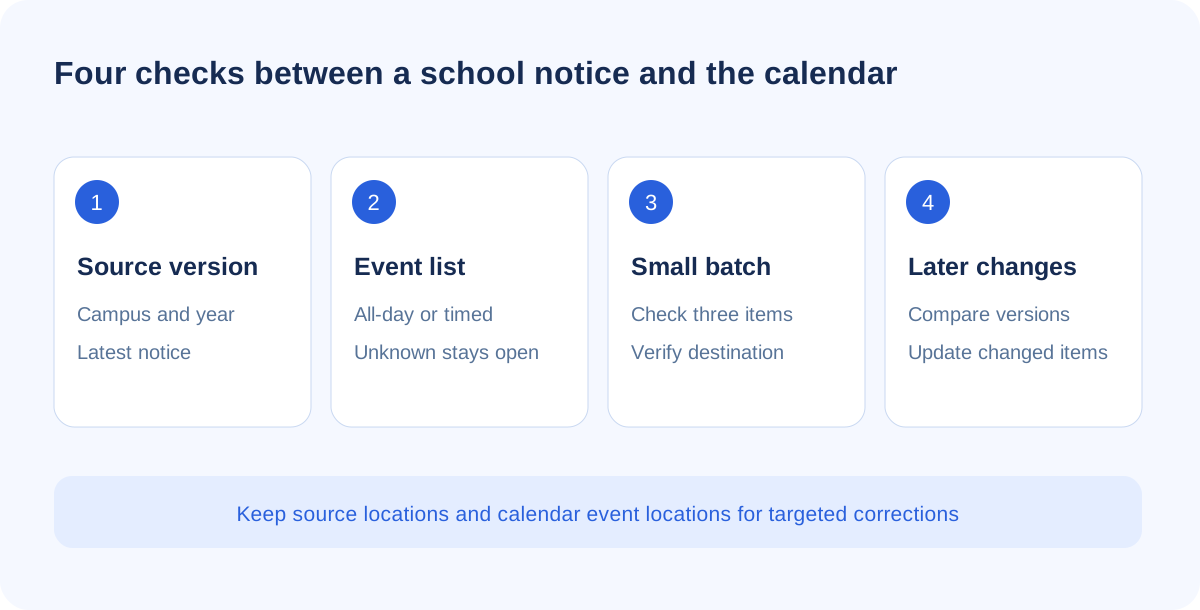
Name the district, campus, grade, school year, and date range. A district-wide calendar may differ from a campus notice or a grade-specific activity. Choose official material and keep its publication or revision date.
If Muse cannot access a link or attachment, provide the necessary text through the tools available to you. Leave an unreadable time unresolved. Record the source title, page, or link beside the candidate event, and remove student identifiers that the task does not need.
03 | Make the event list explain each date
For each item, record its title, applicable group, start and end date, all-day status, confirmed local times, school time zone, and source location. A notice saying early release without a dismissal time is incomplete; do not fill it using another school’s usual schedule.
Put a short school name in the title and keep the original notice location in the description. Mark conflicting versions for review. This creates a practical link between the school document and the calendar item you may need to change later.
04 | Use this prompt for the first read-only pass
- Review [official links or files] for [district, campus, grade, school year] within [date range]. Tell me which sources and versions you can access.
- List closures, half days, and early dismissals with the applicable group, dates, all-day status, confirmed local times, school time zone, and a source location. Mark missing details as unresolved.
- Merge repeated notices. Keep conflicting revisions visible for my decision. Do not infer pickup times or use an unrelated school schedule.
- Separate proposed additions, existing events, changes, and questions. Do not create, edit, delete, or send notifications in this pass.
- After I approve a named set of three events, use only my selected calendar. Return the actual event locations and checked fields for each completed item.
05 | Use a separate calendar and verify a small batch
A calendar named for the school and year keeps this work easy to inspect. Google documents creating a new calendar in a browser, through the add option next to Other calendars. Set the name and description before sharing it.
Check a small varied batch before expanding: an all-day closure, a dismissal with a confirmed time, and a grade-specific activity where available. These are suggested test types, not invented school dates. Search for matching existing items before adding them.
Check the target calendar, dates, times, all-day flag, and school time zone. Google Calendar shows timed events in each viewer’s local zone, so family members traveling elsewhere may see a different clock time. Preserve an all-day closure as an all-day item rather than creating a midnight meeting.
06 | Use import when your account cannot write to the calendar
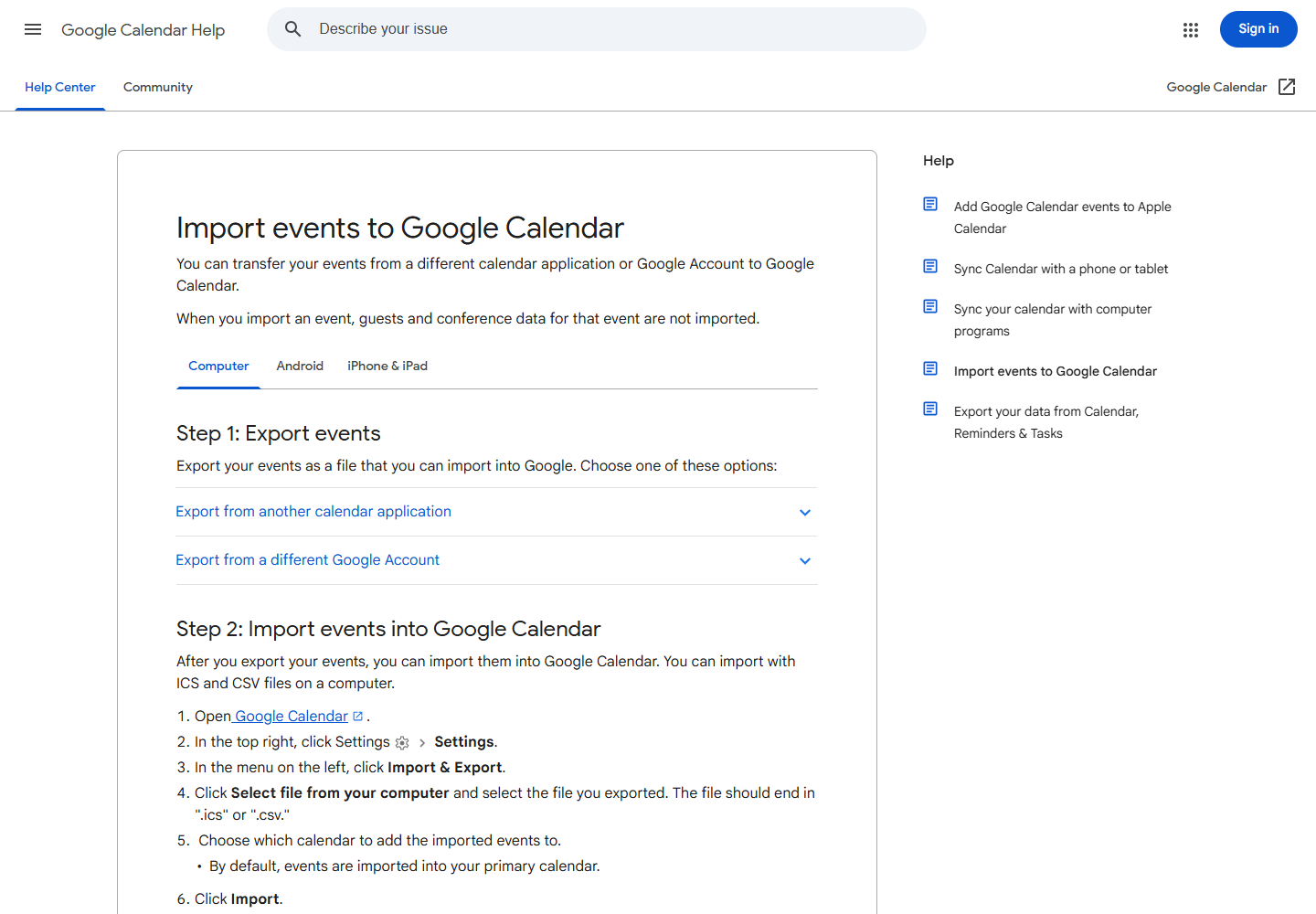
Keep the approved list as the reference. If Muse cannot write through a calendar connection, ask for a file prepared from that list. Google Calendar supports ICS and CSV imports on a computer. A spreadsheet editor can save a checked table as CSV when file generation is unavailable.
In Google Calendar settings, open Import & Export, choose the file, then explicitly select the school calendar. The default destination may be your primary calendar. Verify it before importing.
CSV headings must follow Google’s English field names, including Subject, Start Date, All Day Event, and Description as needed. Follow the documented date, time, and boolean formats. Renaming a plain text file does not make a valid calendar file.
After import, compare the item count and open the small test batch. Google notes that guests and conference data are not imported. File import does not establish family access or prove that invitations were sent.
07 | Choose access that supports the family’s job
Free/busy sharing hides event details in Google Calendar. A person who needs the school name, time, and description needs detail access; someone who must maintain the schedule needs an appropriate editing permission.
Sharing a calendar differs from inviting someone to one event. Ask the family member to add the calendar through the sharing email and verify a mutually selected item. Work and school administrators may restrict sharing.
08 | Update changed items instead of importing the term again
When the school publishes a revision, compare it with the saved list. Ask Muse to separate additions, time changes, cancellations, unchanged events, and conflicts, keeping the new source with each proposed change. Approve only the changes you need.
Google explains that imported events do not stay synchronized with their original calendar. A new school file does not automatically update your imported batch. Keep event locations and source versions so later corrections can be targeted. If the school offers an official subscription, inspect its scope and update behavior separately.
Open one all-day item and one timed item on both family devices. Confirm the school, date, time-zone interpretation, and original source. For a personal daily starting point, see Muse’s email and calendar brief.
References
These sources support the product information in this guide. Musevip is an independent publication and is not affiliated with Meta.
Last reviewed 2026.10.01. Product pages may change.