
MUSE RADAR / EVENT BRIEF
OpenAI Dots Are Rolling Out: Define the Boundary Before the Goal
Dots can keep working between conversations and use connected apps. A small, reviewable, read-only task is the safest useful place to begin.
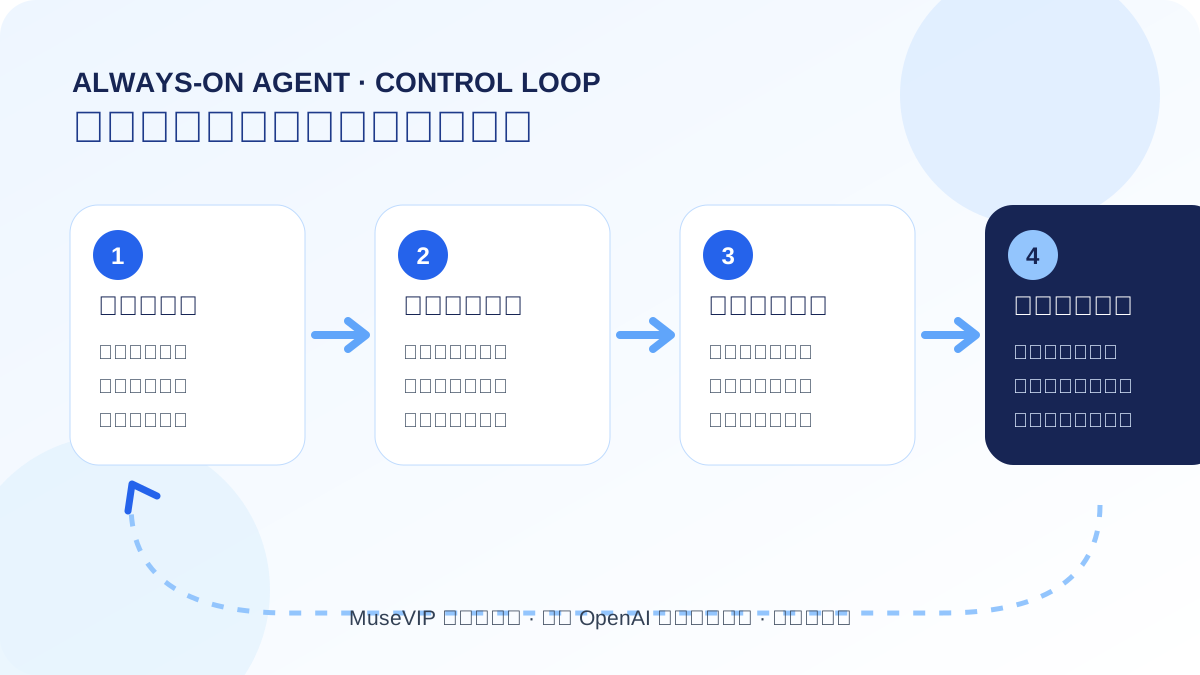
The change is ongoing responsibility, not another chat mode
OpenAI introduced Dots on September 29 as always-on agents that can continue work between conversations. A dot has its own cloud computer, can use apps you choose to connect, can run scheduled tasks, and returns work for review.
Access is gradual. OpenAI's help page says the initial Pro rollout excludes the EEA, Switzerland and the UK. Business Premium is available in supported ChatGPT regions, while Enterprise, Edu and Healthcare access is an admin-enabled beta that starts off. Your desktop web or desktop app remains the final availability check.
Make the first task small and stoppable
Choose a read-only goal that you can verify within a day, such as a daily list of three items that need a reply. Name the allowed apps, time window, output format, prohibited actions and conditions that require a pause.
For example: At 9 a.m., read only the named project and email label. List changes, sources and decisions. Do not send, edit or purchase. Mark missing evidence as unconfirmed. Stop if the work requires a new contact, permission or payment.
Proactive research is not unrestricted action
OpenAI says background proactive research uses restricted read-only tools. It cannot send messages, change app content or control a browser or computer. Actions that affect accounts or disclose information are governed by custom rules, approvals and built-in safety requirements.
A rule can allow an action, allow it only when pre-approved in the request, ask each time or hand it back to you. Some sensitive work always stays with the user. Treat proactive reading and external action as separate permissions.
Use the existing Muse guides as an acceptance checklist
The products differ, but long-running task checks transfer well: request the same progress fields, inspect the activity trail, review outbound actions separately, and correct stale memory. The linked Muse guides turn those ideas into concrete checklists.
We did not present community discussion as product fact or describe official examples as our own test. If region access, plan allowances or approval behavior changes, this event will be updated instead of duplicated.
Source notes
Event date and our publication date are shown separately. Community reports describe individual experiences.