
MUSE RADAR / EVENT BRIEF
A Community Library Lists 300 Muse Task Ideas—Do Not Treat Them as Installed Skills
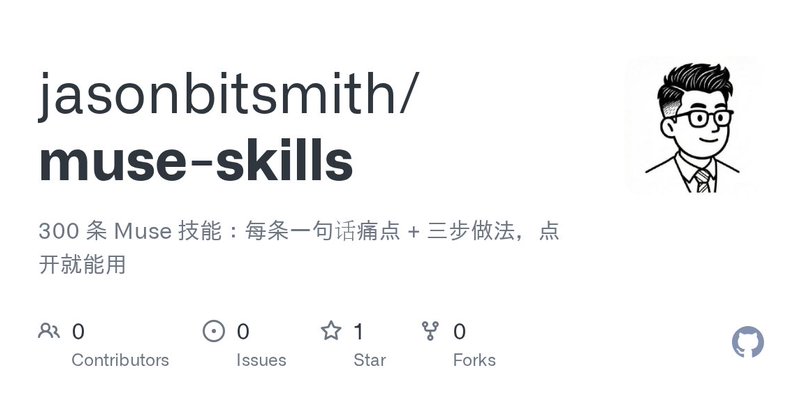
Jason published a Muse idea library on October 5, organized around everyday, work, shopping, travel and other tasks. The repository is currently a README collection, not 300 installable SKILL.md bundles. Its best use is to choose one idea, verify access and permissions, then run a small read-only test with a checkable result.
It is an idea list, not 300 installable components
Jason published the muse-skills repository on October 5, grouping 300 short workflows across daily life, work, shopping, travel, health and local services. When we checked it on October 6, the public repository showed five commits and a README.md as its substantive file. We did not find a separate SKILL.md bundle, scripts or an install action for each entry.
In this repository, “skills” means task ideas and prompt-like recipes. The author's count does not establish that 300 connectors are available or that MuseVIP ran every workflow. The repository also showed no separate LICENSE file, so we link to it and summarize narrowly rather than republishing the collection.
The useful part is finding one bounded task
The library is more useful as a way to narrow “let Muse help me” into one job: find an email, summarize a meeting, watch a price or check a calendar item. Begin with a task whose data source you already control and whose result you can verify yourself.
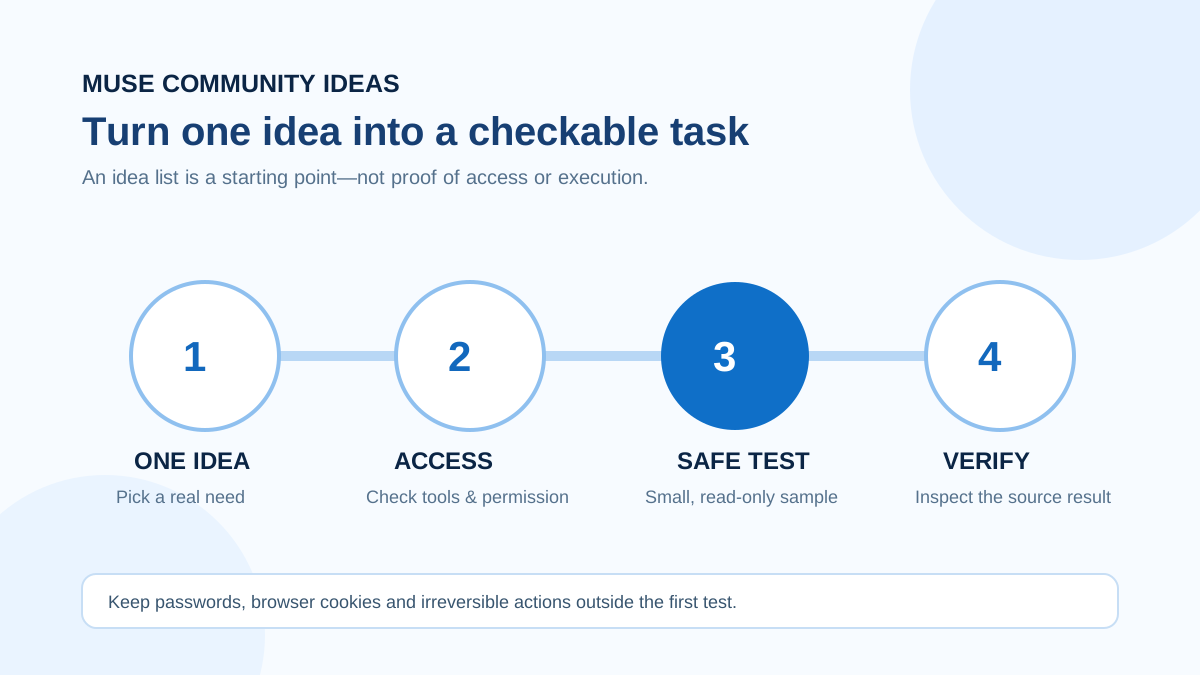
Rewrite the chosen idea into four fields: where the input comes from, which tools are allowed, when the agent must stop, and what the deliverable should contain. If a connector is unavailable, this structure makes the missing access, permission or data source visible instead of encouraging endless prompt changes.
Check every claimed entry point against your own account
Meta's official guidance says connector availability and permissions must be checked in the actual account settings. A service appearing in the list does not mean your region, plan or account can connect to it. Keep confirmation before sends, purchases or data changes, and inspect the result in the original service.
Do not paste browser cookies, session tokens or passwords into an agent. Meta describes Muse using secure sign-in and credential mediation for connected services rather than exposing plaintext credentials to the model. If there is no official connection path, prefer a screenshot, exported file or manual handoff.
A safe way to try one now
Start with one read-only task, a small non-sensitive sample and an explicit result—for example, “extract order numbers from these three emails and include each message date.” Check sources, omissions and formatting before turning the procedure into a reusable Skill. Do not begin with bulk sends, automated payments or a persistent browser session.
Our 300-idea-library guide provides the full selection method. Use the reusable Skills guide to package a stable procedure, the connector guide to verify access, and the activity-log guide to review what the agent did. Together they turn inspiration into an inspectable workflow.
Source notes
Event date and our publication date are shown separately. Community reports describe individual experiences.